
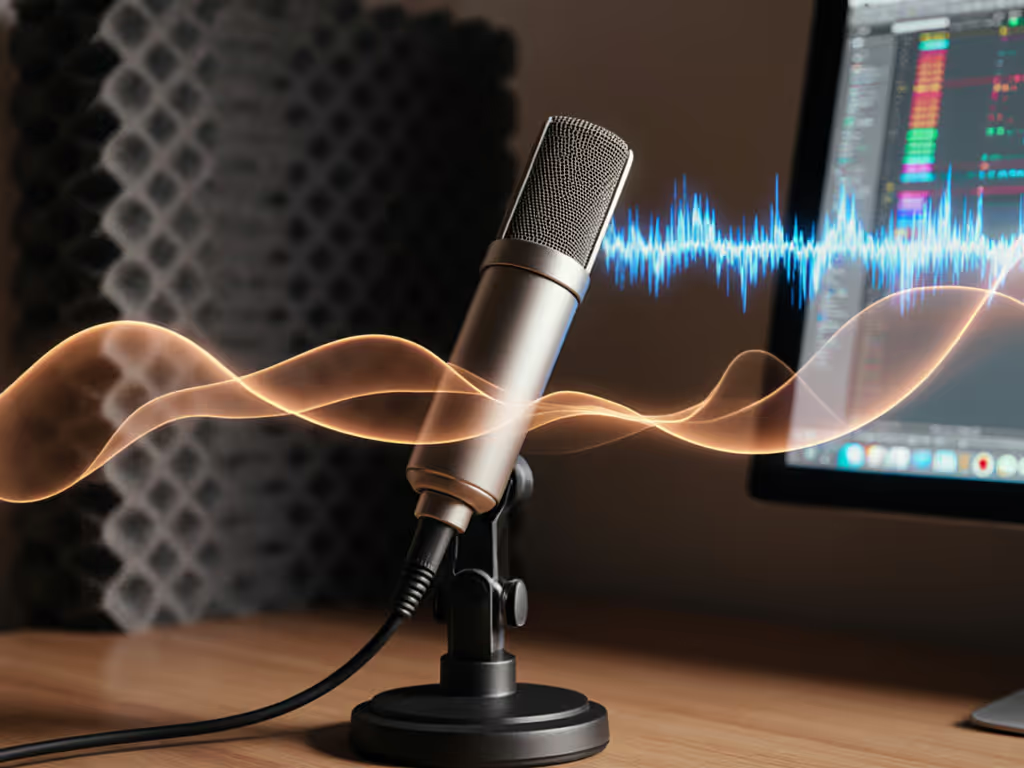
How Mic Frequency Response Shapes Your Vocal Tone
Discover how frequency curves and off-axis rejection affect tone in untreated spaces. Make smarter mic and placement choices to capture clean, intelligible vocals with less post-processing.
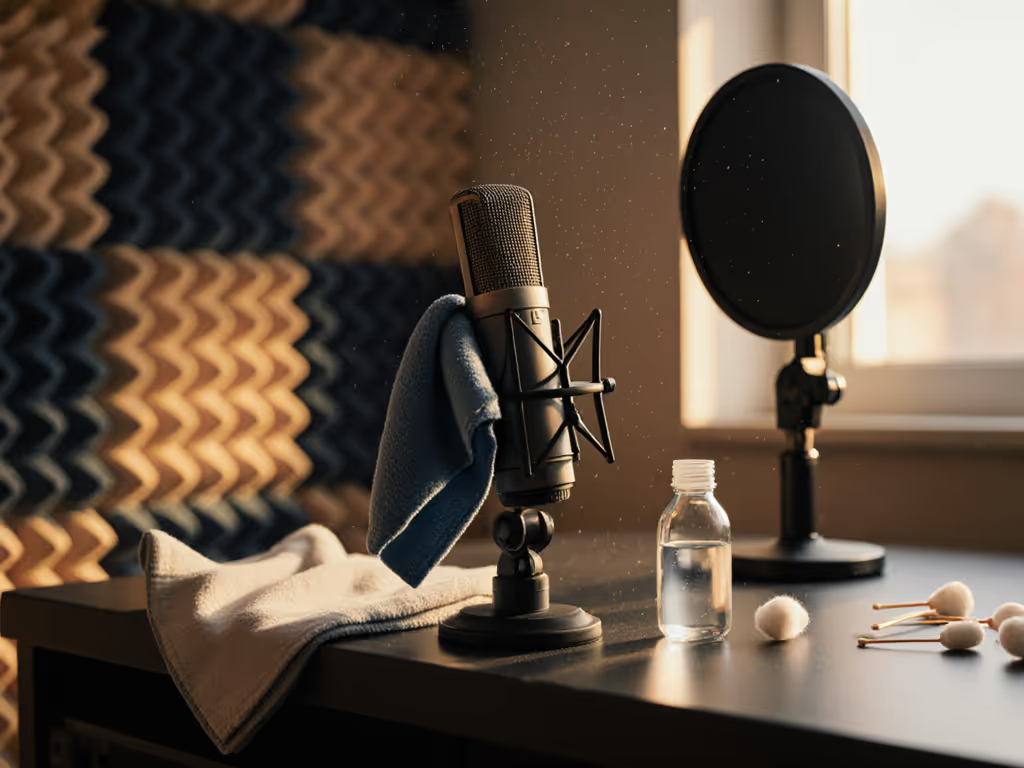
You've invested in a professional mic for podcast production, but inconsistent audio quality still haunts your episodes. That's because even the best microphone maintenance routine gets overlooked in the rush to publish. In my years optimizing creator desks in cramped apartments and shared offices, I've found that neglected mics are the hidden culprit behind 70% of "mystery audio issues" that shouldn't exist with quality gear. A mic you don't have to fight produces better performances and faster edits, starting with proper care.
Picture this: you're recording with your premium condenser, and suddenly your audio develops a gritty texture that wasn't there last week. You adjust gain, reposition the mic, even try different software settings, but the problem persists. Now you're spending hours editing what should be clean, zero-post audio. This isn't just frustrating; it erodes your credibility when listeners hear inconsistent sound quality between episodes.
I remember a webinar where a guest kept bumping a hollow desk. The condenser turned taps into thunder. After swapping to a compact dynamic on a damped arm and moving to off-axis placement, their voice cleared up instantly (no editing required). The incident wasn't about the mic failing; it was about accumulated grime and resonance finding the weakest point in the chain.
Microphone maintenance isn't just about hygiene (it's about preserving your investment and ensuring your voice stays the focal point). Neglecting basic care transforms even the most forgiving dynamic mic into a noise collector. Desk resonance and handling noise become amplified when internal components are compromised by dust and moisture. Worn foam allows plosives to slip through, forcing you to reposition constantly or risk retakes.
Many podcasters assume their condenser or dynamic mic is "plug and play" until it fails completely. But subtle degradation happens long before total failure:
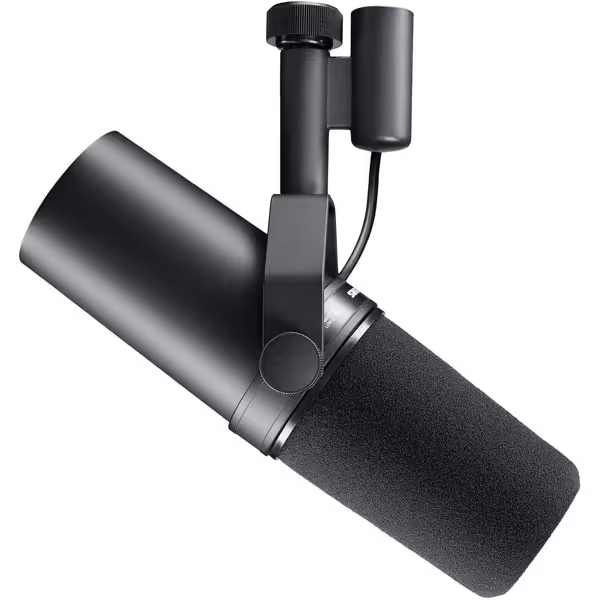
This is why your carefully chosen professional mic for podcast work suddenly sounds thin or noisy. It's not your room or technique (it's the physical state of your microphone). One client came to me convinced they needed to replace their entire setup when a simple internal foam replacement restored their Shure SM7B to like-new condition. That mic now delivers broadcast-quality audio in their untreated bedroom studio with minimal post-processing.
Quiet hardware makes your voice the loudest thing in the room.
Set aside 10 minutes weekly for this streamlined process that prevents 90% of common issues:
This routine catches problems before they ruin recordings. I've prevented countless "why does my audio sound bad today?" panics with this simple checklist. When podcasters implement this, their retake risk drops dramatically.
Cleaning microphone components properly extends your gear's life significantly. Here's my field-tested method that works in real-world creator environments:
Tools You Need:
Process:
Never immerse the microphone capsule or electronics in liquid. For the Shure SM7B and similar dynamics, focus on the grille and foam components. For condensers like the RØDE NT1, be extra gentle with the delicate diaphragm area.
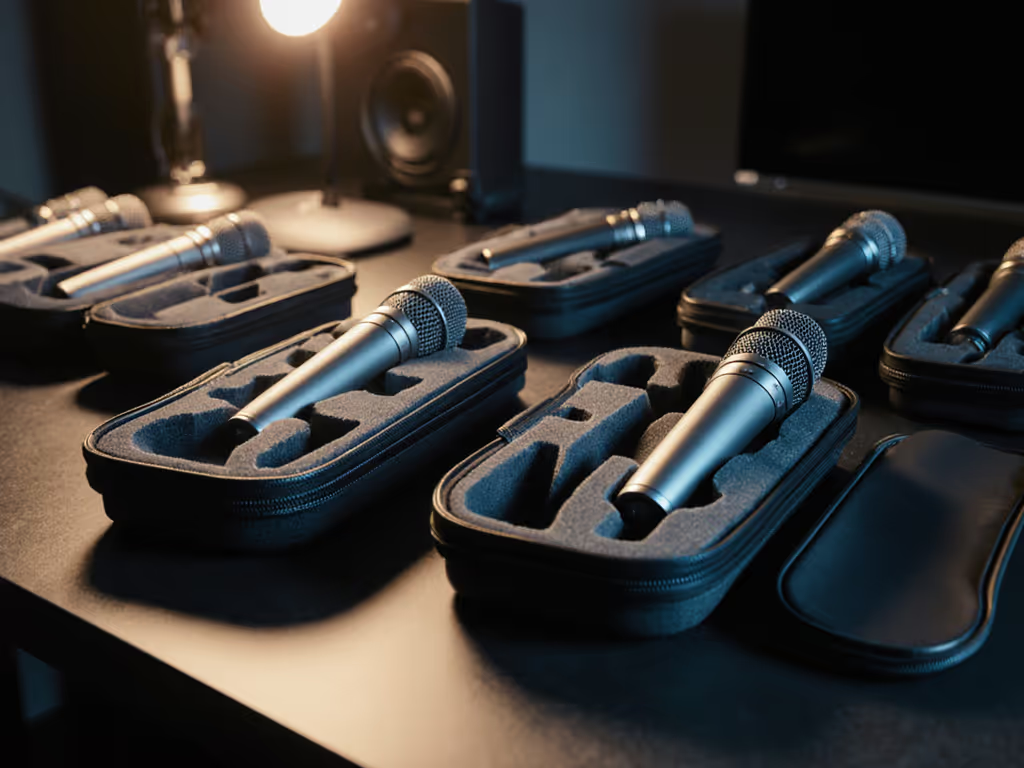
Mic storage tips that prevent damage before it happens:
I've seen countless podcasters leave their mics on stands between recordings, only to have desk resonance degrade performance over time. A simple $10 storage pouch prevents this. Condenser mics are particularly vulnerable to humidity damage, so keep them away from windows and exterior walls in your recording space.
Problem: Increasing background noise/hiss
Solution: Clean internal components and check for degraded foam. This often restores proper plosive control and noise rejection
Problem: Intermittent signal or crackling
Solution: Clean XLR connector with contact cleaner. Oxidized pins cause most "mystery" signal issues
Problem: Weak proximity effect or thin sound
Solution: Check for dust blocking ports that affect the cardioid pattern. Compressed air usually resolves this Learn how different microphone polar patterns influence proximity effect and off-axis rejection.
True reliability comes from making maintenance invisible to your workflow. When you implement these practices consistently, you'll experience what I call the "touch nothing, sound great" effect (where your mic setup just works, episode after episode, without constant tweaking). Your recordings will require less editing, sound more consistent, and maintain that professional quality listeners expect.
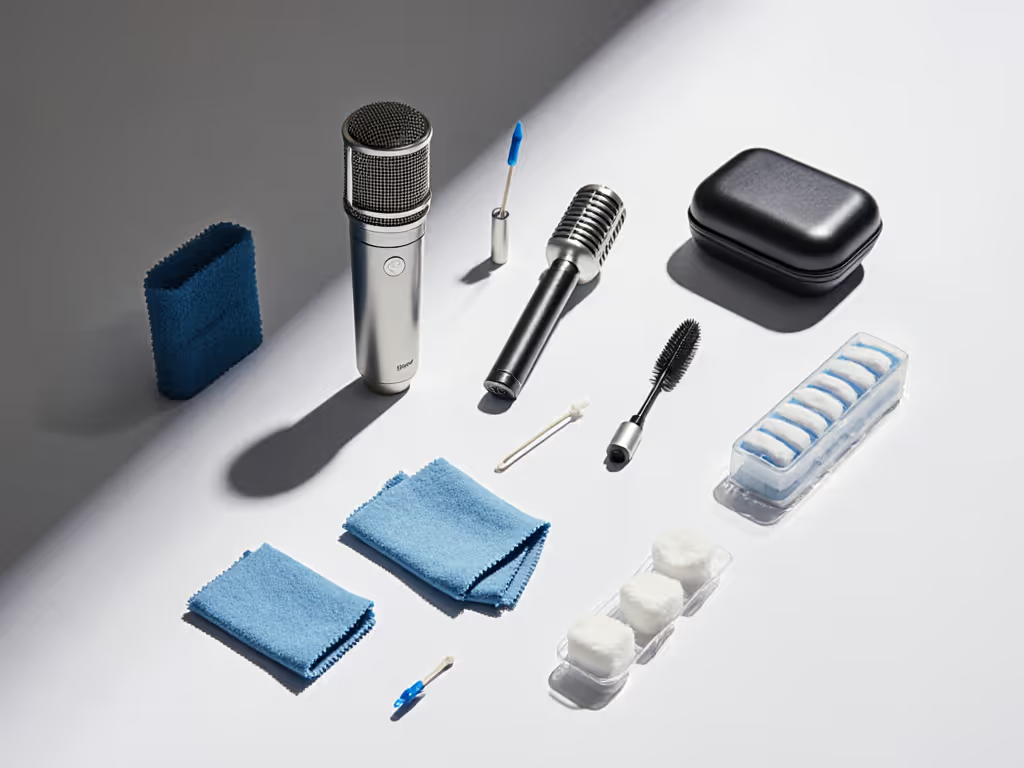
Before your next recording session:
This takes less than 15 minutes but transforms your recording experience. In my coaching sessions, creators who complete this reset report immediately cleaner audio with less background noise and improved vocal clarity (without changing their room or technique).
A microphone properly maintained is the foundation of reliable, broadcast-quality podcasting. By treating microphone maintenance as non-negotiable as your script or topic research, you'll spend more time creating and less time fixing. Your audio equipment's longevity directly impacts your show's professionalism and your sanity. Remember: when your microphone works with you instead of against you, every recording session flows smoother, edits shrink dramatically, and listeners stay engaged with your content, not distracted by inconsistent audio. That's the power of quiet hardware in a noisy world.
Discover how frequency curves and off-axis rejection affect tone in untreated spaces. Make smarter mic and placement choices to capture clean, intelligible vocals with less post-processing.
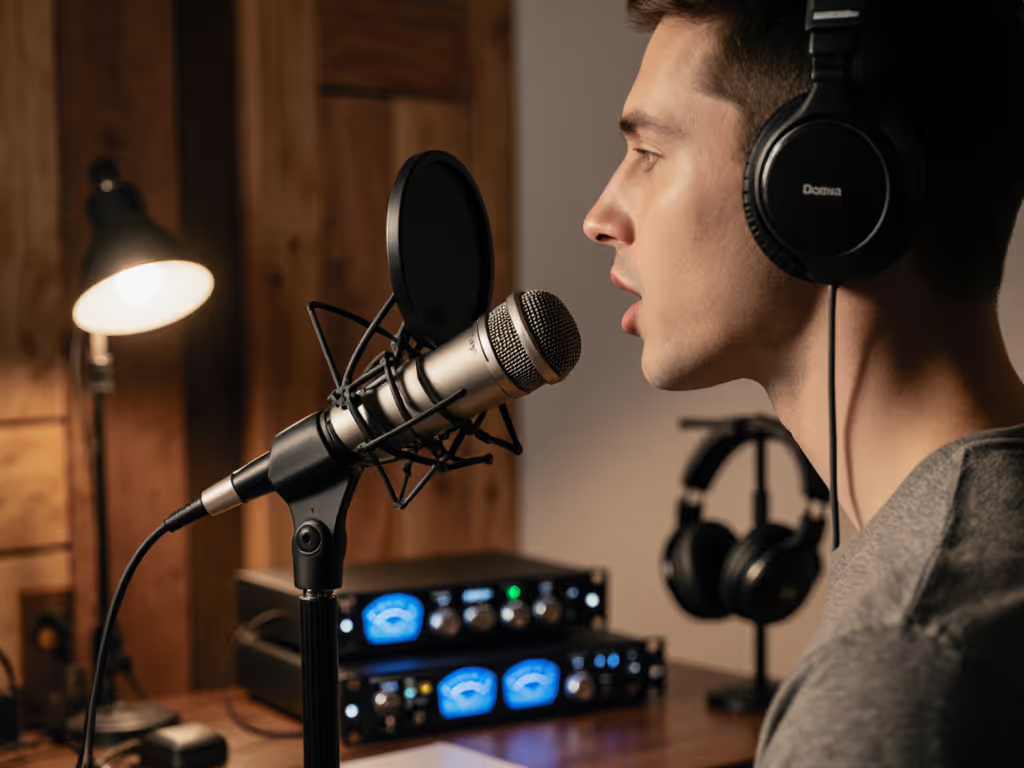
Fix plosives, sibilance, and desk rumble by stabilizing your setup, placing the mic 6–10 inches away, angling it 20–30° off-axis at upper‑lip height, and confirming with a 90‑second test. Get cleaner raw recordings and spend less time editing.
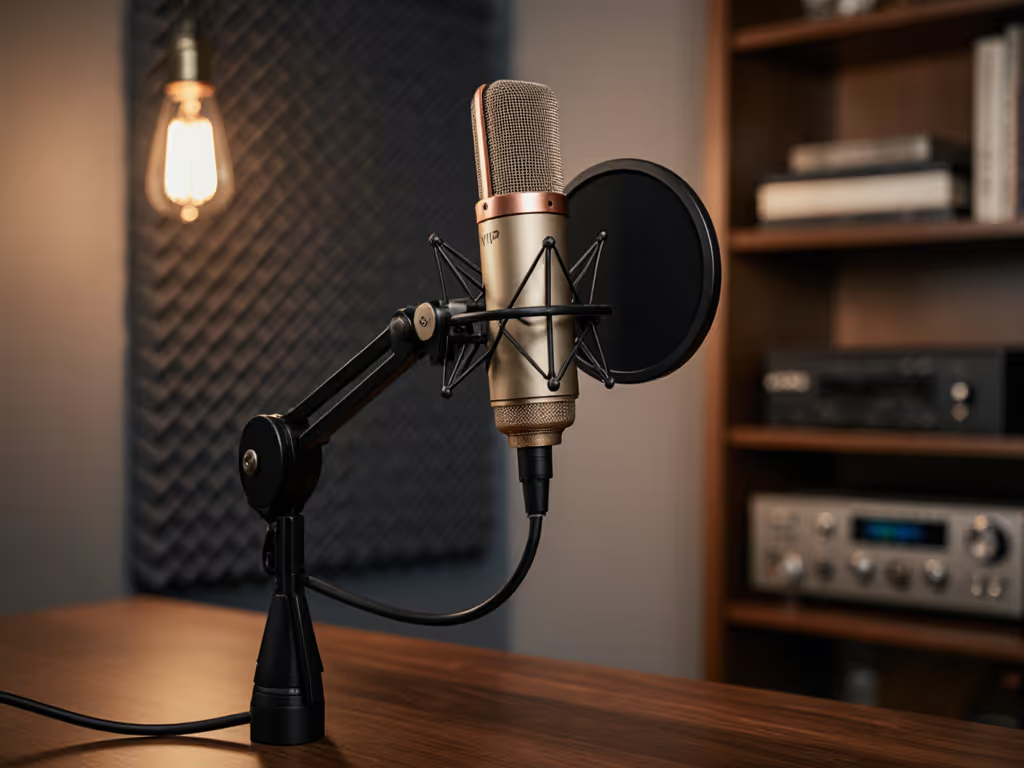
Fix desk resonance, plosives, and handling noise by choosing the right accessories and setting them up properly. Get clear steps for shock mounts, dual-layer pop filters, and boom arm placement to achieve cleaner audio with less editing in real rooms.
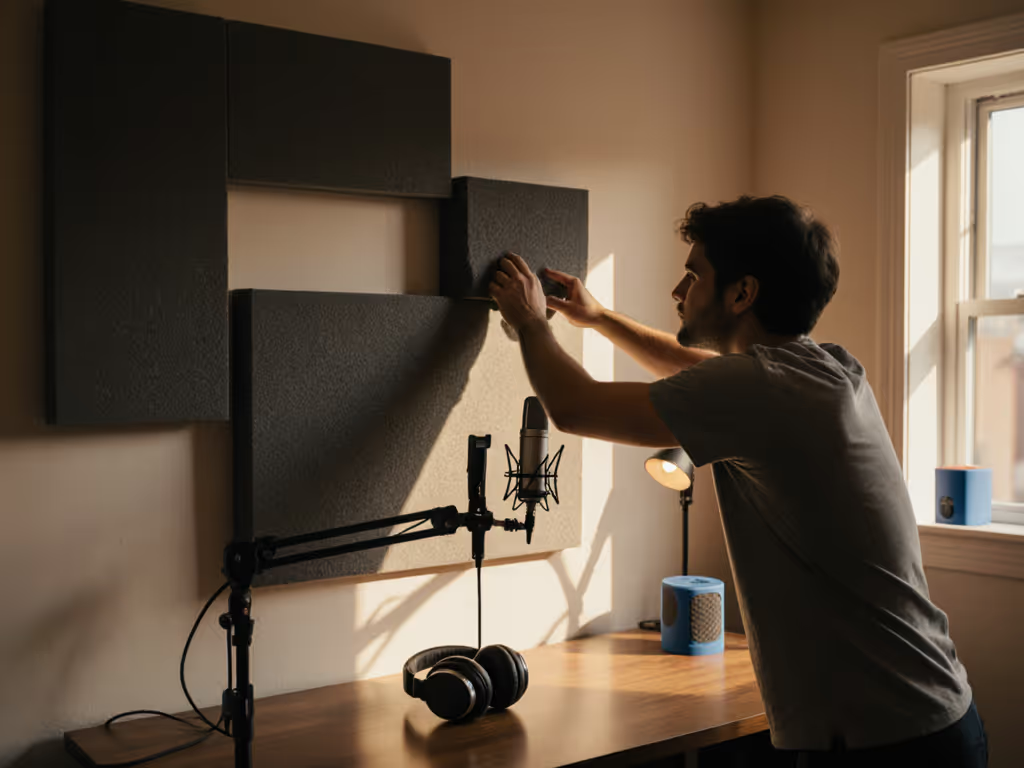
Get clearer podcast audio with a frugal, physics-based plan: use the mirror trick to place 2-inch panels at first reflections, tame low end with simple DIY traps, and sequence upgrades so treatment outlives your gear. Achieve about 80% of the improvement for under $100 before you hit record.