Sontronics Podcast Pro Review: Spoken Word
By Luis Cabrera • 15th Mar
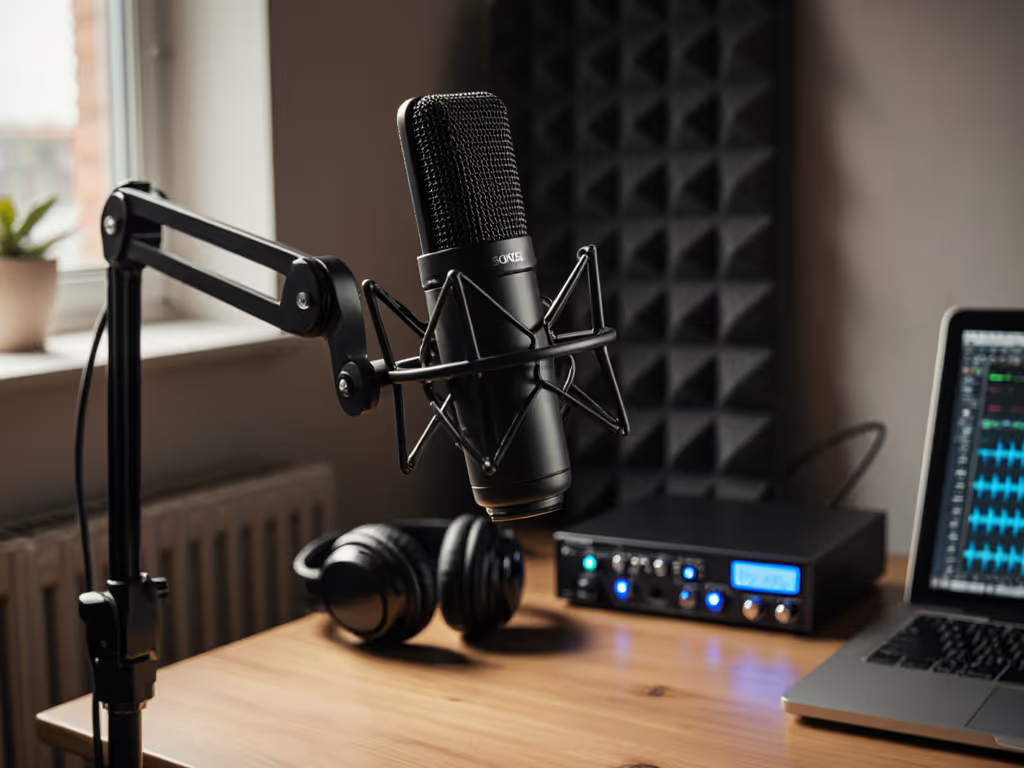
You're sitting in your home office (or bedroom, or spare corner of a shared workspace). You've committed to starting a podcast, and you know the first rule: audio credibility precedes everything else. But you're staring at a wall of options, each promising "broadcast quality," and you're wondering: Should I grab a USB mic now and swap later, or invest in XLR from day one? For a deeper breakdown of connection types, read our XLR vs USB microphones guide. More urgently, will this microphone work in my actual room, or just in YouTube's demo footage?
The Sontronics Podcast Pro review reveals one of the most talked-about entry-level broadcast-quality speech capture solutions in the indie creator space. But "talked about" isn't the same as "right for you." Let's ground this in reality: what does this mic actually do, where does it stumble, and, crucially, how does it fit into a long-term setup that doesn't waste money or force you to rebuy your mounts next year?
The Setup Dilemma: USB Now, XLR Later?
Most creators face the same fork in the road. USB mics are portable, driver-free (mostly), and cheap to start. XLR mics force you to buy an audio interface, but they're the standard in any professional or scalable chain. The Sontronics Podcast Pro commits you to the latter path immediately: it's an XLR-only mic. That matters because it means your first purchase includes not just the microphone, but also an interface ($80-$200), a mic arm or stand ($30-$100), and a shock mount if you want clean recordings ($20-$50).
Your total cost of setup for entry-level XLR with this mic: roughly $250-$400, depending on where you source it and which accessories you already own.
That's not a barrier for many creators, especially those who anticipate scaling to multiple hosts, remote guests, or a more permanent studio footprint, but it does mean you're betting that XLR is the right choice now. If you're genuinely uncertain, USB is still a valid step. But if you're already convinced you'll upgrade within 12 months, choosing a mic with proven reuse value (an arm that works with larger mics, a shock mount that survives the transition) matters more than saving $40 on the entry point.
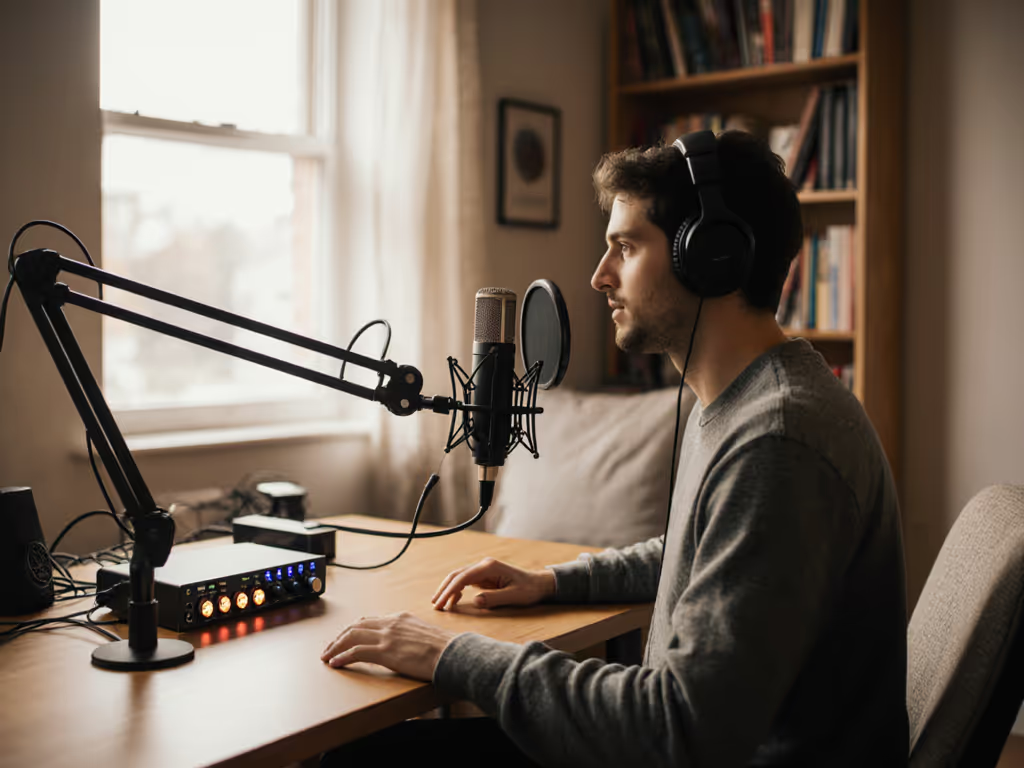
What You're Actually Buying
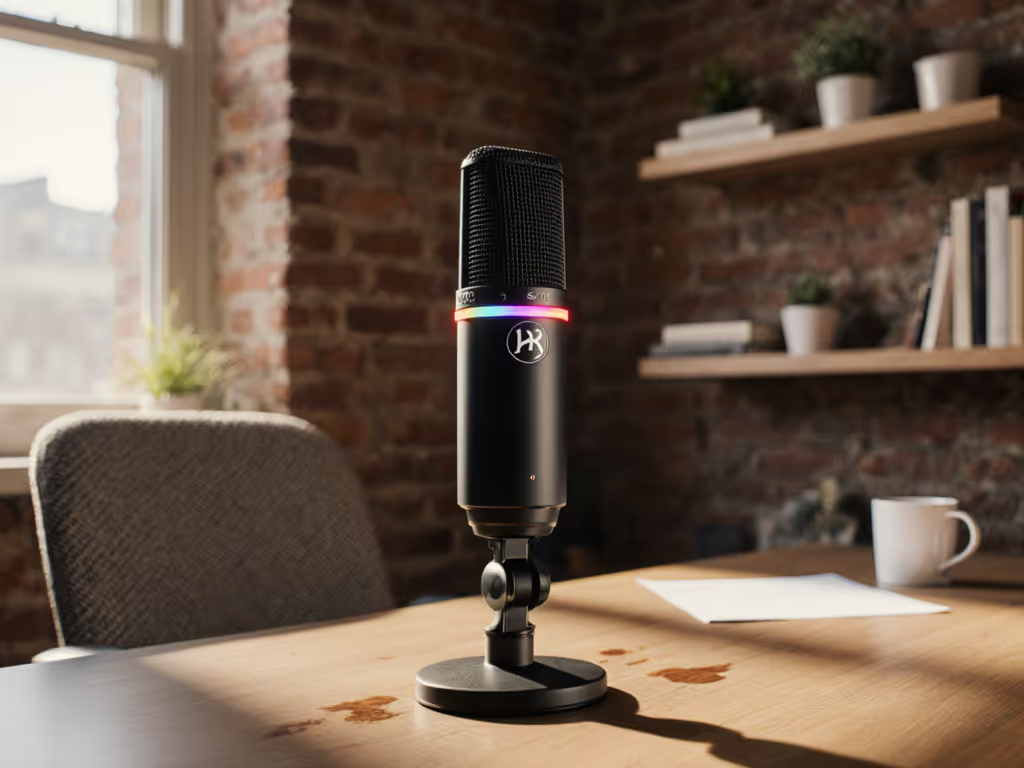
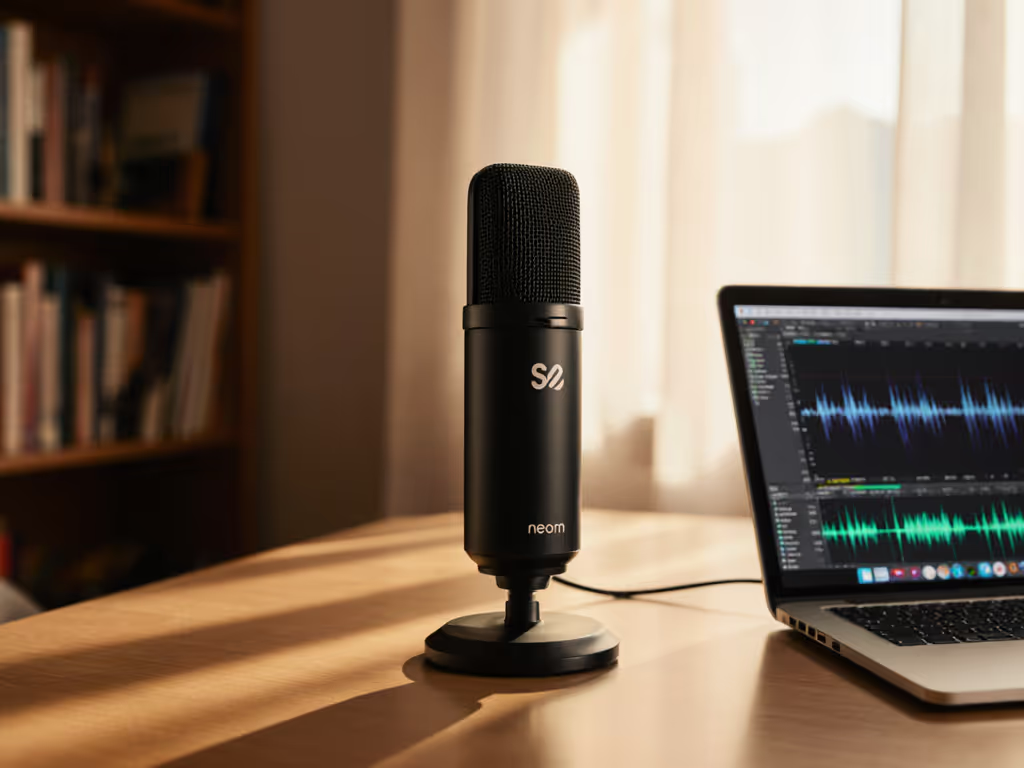
The Sontronics Podcast Pro is a podcast microphone engineered for one job: capturing your voice clearly in an imperfect room. It's a dynamic mic with a supercardioid polar pattern, which means it's tuned to reject sound from the sides and rear, a direct answer to the "my HVAC/keyboard/roommate is bleeding into my recording" problem. If "supercardioid" is new to you, our microphone polar patterns guide shows how pickup shapes reduce background noise in real rooms.
Here's the practical translation of its specs:
Frequency response (50 Hz-15 kHz): This is narrower than a condenser mic. It rolls off the high end intentionally, which sounds like a weakness but often works for spoken word. It means fewer harsh sibilants (S, Z, CH sounds) without aggressive de-essing later. For interview-style podcasts, this is frequently a strength, not a compromise.
Sensitivity (-50 dBV): This is genuinely high for a dynamic mic, the output is hot enough that most interfaces will give you headroom without cranking the preamp to the point of hiss. If your current interface requires 60% gain to get usable levels, you'll feel the difference here. No Cloudlifter needed; no second-guessing your gain structure.
Supercardioid pickup: Tighter than cardioid, which translates to aggressive off-axis rejection. In a bedroom with one monitor speaker or a shared office with ambient chatter, this matters. The trade-off, and this is real, is that it's more sensitive to proximity effect (your voice gets boomy if you're too close) and to off-axis coloration if you're slightly off-axis. It rewards consistent mic placement and technique.
XLR connector and no phantom power required: Standard connectors mean compatibility across any professional or semi-professional chain, now and later. No phantom power means one less thing to configure or troubleshoot.
Real Strengths: Where It Earns Its Place
Let me be direct: this mic has earned its reputation in the podcasting community for specific reasons.
Background noise rejection: Multiple independent reviewers confirm that the supercardioid pattern and inherent off-axis coloration genuinely reduce keyboard taps, desk vibrations transmitted through the stand, and room ambience. You won't edit out street noise, but you will reduce low-level hum and chatter. For speech-heavy content recorded in a typical home or office, this is meaningful.
Clarity without aggressive EQ: The tailored frequency response is optimized for speech, which means your raw vocal tone, warmth, clarity, presence, comes through without sounding like you've applied a preset EQ curve. For interview-driven shows where the conversational intimacy matters, this is a real value. You spend less time correcting tone and more time editing for content.
Plosive and sibilance control: The integrated pop filter isn't just cosmetic, reviewers and manufacturers report genuine reduction in hard plosives (B, P sounds) and sibilance. Combined with the frequency response rolloff, it means you can speak more naturally without excessive mic technique and still avoid the de-essing struggle. This translates directly into less post-processing and faster edit cycles.
Output headroom: Because the mic is hot, you can afford to back off your interface gain slightly, which lowers self-noise and improves overall signal integrity. If your interface has a noisy preamp, this mic's output compensates somewhat.
Durable, hand-built construction: Sontronics manufactures these in the UK; they're known for quality control. The mic feels substantial, not plasticky. For a device you'll handle dozens of times per week, this matters both functionally and psychologically.
Where It Shows Its Limits
Honesty demands this: the Sontronics Podcast Pro is not flawless, and the real constraints matter for certain voices and rooms.
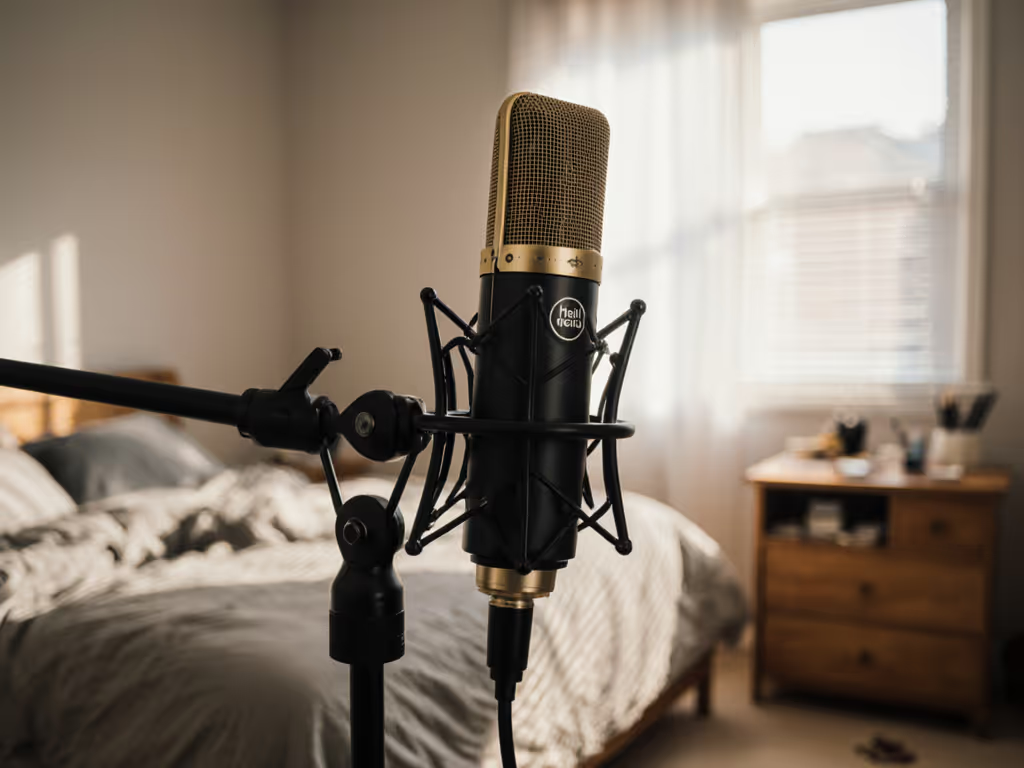
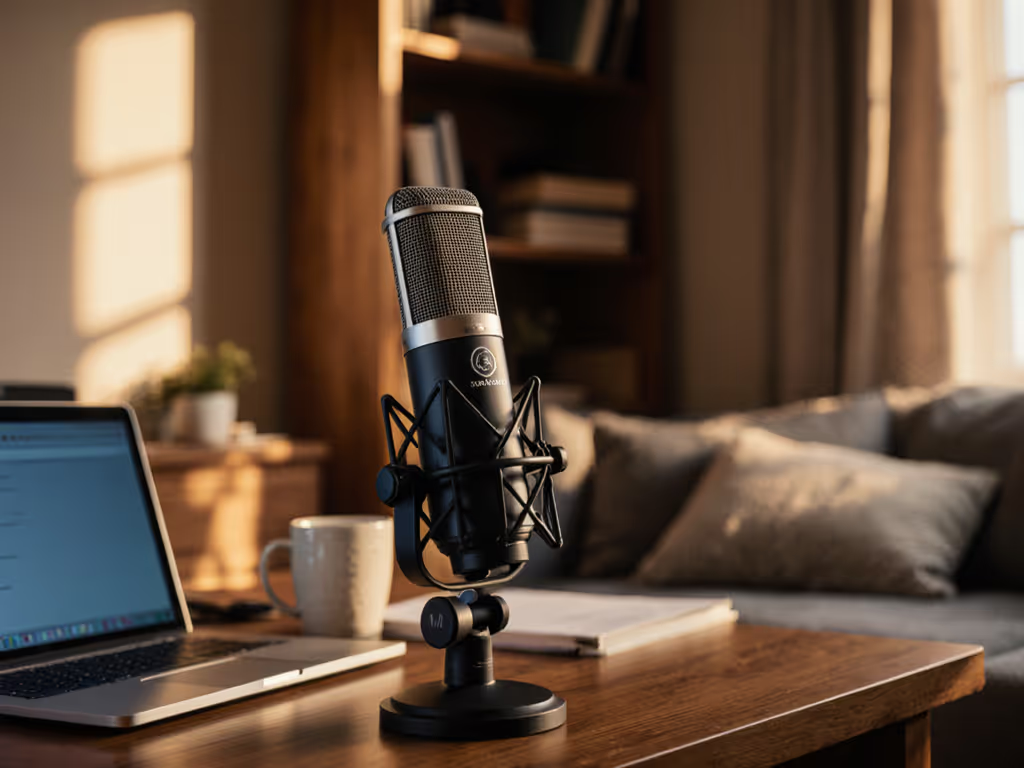
Isolation from bumps and handling noise: Several reviewers note that the mic doesn't isolate well from desk vibration or arm/stand knocks. If you gesture while speaking, move your boom arm, or share your desk with others, vibration couples through to your recording. You'll want a solid shock mount, which means adding $20-$40 to your setup and factoring that into your total cost. Some mics isolate better; this one asks more of your physical discipline and your mount choice.
Tone character: Reviewers describe it as "honky and hollow" in certain voices. This is highly subjective and voice-dependent, some users love the forward, present sound; others find it fatiguing or thin. Your only real test is a money-back trial or an extended demo. If you have a naturally bright voice or record in a live room, this mic may emphasize those traits rather than warm them.
Proximity effect sensitivity: Because it's supercardioid, moving from 4 inches to 2 inches from the mic noticeably darkens and fattens your tone. This isn't bad, but it means you need a consistent mic distance. Lazy positioning will show up as inconsistent vocal tone across takes, which requires more editing to level out.
Lack of off-axis monitoring: If you position yourself slightly off-axis (a common mistake with cardioid and supercardioid mics), the sound changes significantly. You need visual alignment or a habit of centering your mouth on the mic's end fire. Beginners sometimes struggle with this.
The Real-World Sound Test
Let's move past specs and into the room you're actually recording in.
Scenario 1: Home office with HVAC and street noise
The supercardioid pattern and high output genuinely reduce low-level rumble and ambient chatter. Post-processing is lighter. If you're splicing interview clips or recording solo commentary, the reduction in noise floor means you edit faster. You still need basic noise reduction if your HVAC is loud, but you're not fighting to preserve intelligibility while you strip out background.
Scenario 2: Shared office or bedroom with keyboard and computer fan
If your keyboard is within 18 inches of the mic, you'll still pick it up (no mic is perfectly magic). But with the off-axis rejection and a decent shock mount (crucial here), the keyboard percussiveness is significantly reduced compared to a cardioid option. You're buying genuine improvement, not a miracle.
Scenario 3: Multi-host roundtable or remote guest calls
This is where setup and gain staging matter. If you're using the Podcast Pro for guest vocals via USB passthrough or XLR into a mixer, the high output helps you maintain consistent levels across different voices without cranking the interface preamp. But you'll still need to do gain staging per guest. There is no magic that makes a quiet guest suddenly level-matched to a loud one. Sequence upgrades, preserve value: if you're scaling to multiple mics, choose mounts and interfaces that grow with you.
Scenario 4: Solo narrator or storytelling podcast
This is where the Podcast Pro shines. The frequency response is tailored for spoken word, the plosive/sibilance control is genuine, and the output is clean. Raw takes require minimal EQ and de-essing. If your room is treated even lightly (some foam, a blanket, a closet door nearby), you're very close to broadcast-ready audio straight out of the mic. For quick fixes that actually work, see our room acoustics for podcasting guide.
Building Your First XLR Chain: Total Cost and Upgrade Path
Let's talk price-to-performance and the decisions you actually need to make.
If you're choosing the Sontronics Podcast Pro, here's what your first complete setup costs:
| Component | Budget Estimate | Rationale |
|---|---|---|
| Sontronics Podcast Pro (street price) | $120-$150 | XLR dynamic, hand-built, includes mount yoke |
| Audio Interface (2-in/2-out USB) | $80-$150 | Behringer U-Phoria UMC202HD or equivalent; onboard preamp must be clean |
| Shock Mount | $25-$40 | Reduces desk vibration; worth the cost given this mic's sensitivity |
| Pop Filter (optional) | $15-$25 | Mic includes internal pop filter, but an external windscreen helps in very live rooms |
| XLR Cable (balanced) | $10-$15 | Standard 3-pin, quality matters for clarity |
| Boom Arm or Desktop Stand | $30-$80 | Remus Arms or Budget equivalent; look for smooth bearings and 5/8" threading |
| Total | $280-$440 | Complete, functional entry-level XLR setup |
This is real-world pricing, not "on sale at one outlet" pricing. You're in the mid-$300s for a solid foundation.
Now, the upgrade path. Here's where Luis's philosophy matters: reuse, reuse, reuse.
That boom arm? It will hold a Shure SM7B or an Electro-Voice RE20 in two years. That shock mount? Standard 5/8" threading means it works with any full-size dynamic or condenser mic. That interface? If it's a Behringer U-Phoria or similar, it's an auxiliary input device that can serve as a second channel in a scaled setup. You're not building a setup you'll discard when you upgrade, you're building a foundation you'll expand.
The Podcast Pro itself is an XLR mic, which means if you ever transition to a larger studio or a multi-host format, you already own a mic that integrates seamlessly. You're not forced to rebuy connector types or rethink your monitoring.
When to Buy It, When to Wait
This is the honest verdict, tailored to three distinct creator archetypes.
You should buy the Sontronics Podcast Pro if:
You're launching a spoken-word-heavy show (interview, solo narrative, educational content) and you're committed to XLR from day one. You're recording primarily solo or with consistent co-hosts in a relatively stable room. You want a mic that rewards consistent technique and repays that effort with clean, present audio and low editing overhead. You're willing to invest in proper mounting and understand that mic placement discipline is required. You value British manufacturing and hand-built quality. Your room is untreated or semi-treated, and you need genuine background noise rejection.
You should hesitate if:
You're a complete beginner uncertain whether audio is genuinely your next priority, and you'd prefer to test the waters with a USB option first (there's no shame in that). Your budget is tight and you can't absorb the $280-$440 entry point; in that case, a used USB condenser + software monitoring is a valid interim step. You have a naturally very bright voice or record in a particularly live room; the Podcast Pro's tone character may not suit you without testing first. You're prone to handling the mic or working in high-vibration environments (shared desks, busy cafes); the isolation issues will frustrate you.
You should buy it if you're also willing to commit to:
A solid shock mount (not negotiable). Consistent mic positioning (end-fire, 3–4 inches away). Basic gain staging discipline (don't chase levels with the preamp; set the mic distance and let the output do the work). A boom arm or stand that doesn't rattle (cheap stands betray good mics). If you're checking these boxes, the Podcast Pro repays the investment immediately.
The Larger Picture: Sequencing Your Setup
Here's what matters most: this mic is not a dead end. If you're upgrading from USB, the Sontronics Podcast Pro is a legitimate XLR on-ramp. If you're building your first professional chain, it's a smart entry point that doesn't force you into false economies or vendor lock-in.
But the real value is in how you structure the purchase. Buy the mic, yes, but buy it alongside a quality interface and a reusable arm. Spend slightly more upfront on mounting and cabling. This isn't "future-proofing" (gear always changes), it's sequencing, making sure each piece of your setup earns its place and remains useful as you grow.
That's the lesson from every newsroom and nonprofit setup I've consulted on: when a budget is tight and time is tighter, the teams that win are the ones that bought interconnectable parts, not siloed gear. The Podcast Pro fits that philosophy.
Final Verdict
The Sontronics Podcast Pro review boils down to this: it's a voice-optimized, genuinely useful broadcast-quality speech capture tool that delivers on its promises (clean voice, reduced background noise, minimal editing burden) provided you match it to the right room, voice, and discipline.
For independent podcasters, YouTubers, and small content teams recording spoken word in untreated or semi-treated rooms, it's one of the most pragmatic XLR-first choices available. It's not the cheapest, and it's not the most forgiving of sloppy technique, but it's honest: it works hard for you if you work a little for it.
If you're ready to invest in XLR, you have a clear upgrade path ahead, and you're willing to dial in mic placement and gain staging, buy it. Pair it with a solid interface and arm, record your first 10 episodes, and you'll understand whether the podcast microphone is a bottleneck or a strength.
If you're still unsure whether XLR is your next step, or if your room situation is chaotic, or if your budget is genuinely constrained to under $250 total, start with USB and revisit in six months. There's no shame in staging your investment. In fact, that's the smarter path for most creators just starting out.
Sequence upgrades, preserve value. The Sontronics Podcast Pro rewards that philosophy.
Related Articles