AI Noise Reduction Podcasting: Your Mic Stops Fighting
By Mei-Lin Zhou • 29th Oct
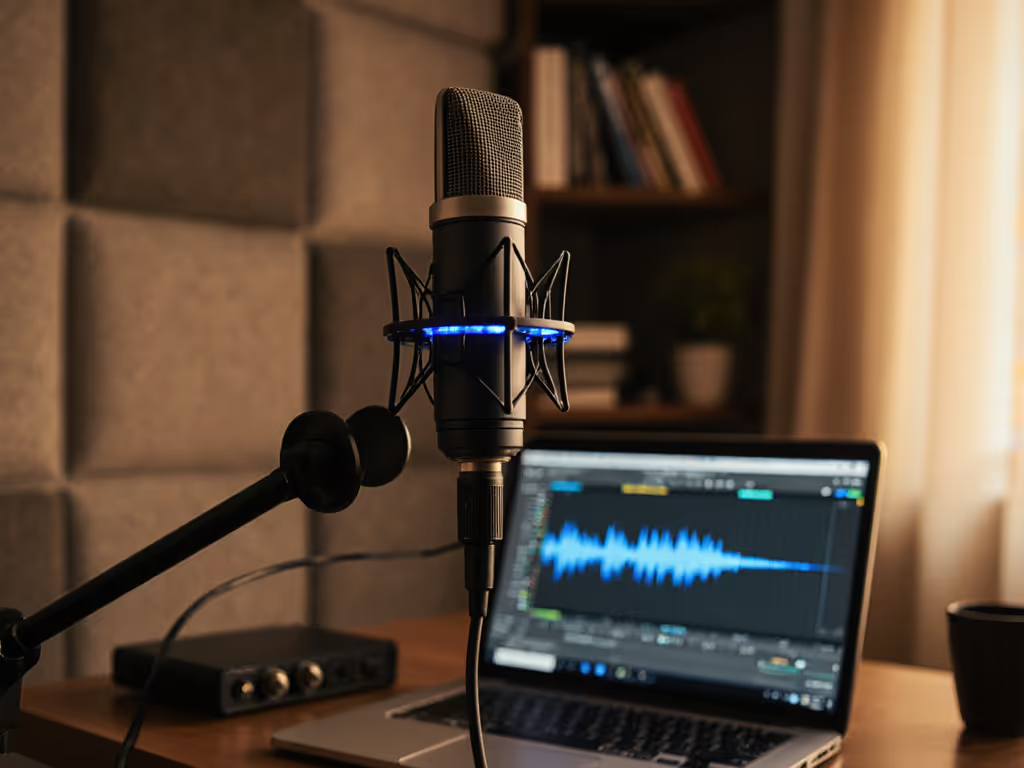
You've probably wrestled with background noise in your recordings - HVAC rumble, distant traffic, or that cursed keyboard clack ruining takes. What if your podcast microphone could handle noise before it hits your track? That's the promise of AI noise reduction podcasting and smart microphone technology: shifting from frantic post-production fixes to capturing cleaner audio at the source. Forget drowning in editing hours. Today's gear, combined with smarter positioning, can slash retake risk and give you zero-post results that sound broadcast-ready. Let's transform how you capture voice.
Step 1: Audit Your Noise Before You Record
Stop treating symptoms. Start with why noise infiltrates your audio. Sit quietly in your recording space for 60 seconds. What dominates? Is it:
- Desk resonance (keyboard taps, mouse clicks)
- Room echo (bare walls, hard floors)
- External sounds (traffic, neighbors)
- Handling noise (mic bumps, arm squeaks)
Quiet hardware makes your voice the loudest thing in the room.
This isn't about acoustic math - it's tactical. For fast wins taming echo and reflections, see our room acoustics guide. If your desk vibrates when you type, no software filter will fix that at the source. I once watched a guest's hollow desk turn keyboard taps into thunder during a live session. The condenser mic amplified every click like a drum hit. We switched tactics before hitting record - and changed everything.
Action: Identify your #1 noise offender. Is it physical (desk/arm) or environmental (room/external)? Address physical issues first - they're 100% preventable.
Step 2: Deploy Off-Axis Placement (Your Secret Weapon)
Most creators point mics directly at their mouth, inviting plosives, sibilance, and desk noise. Try off-axis placement instead:
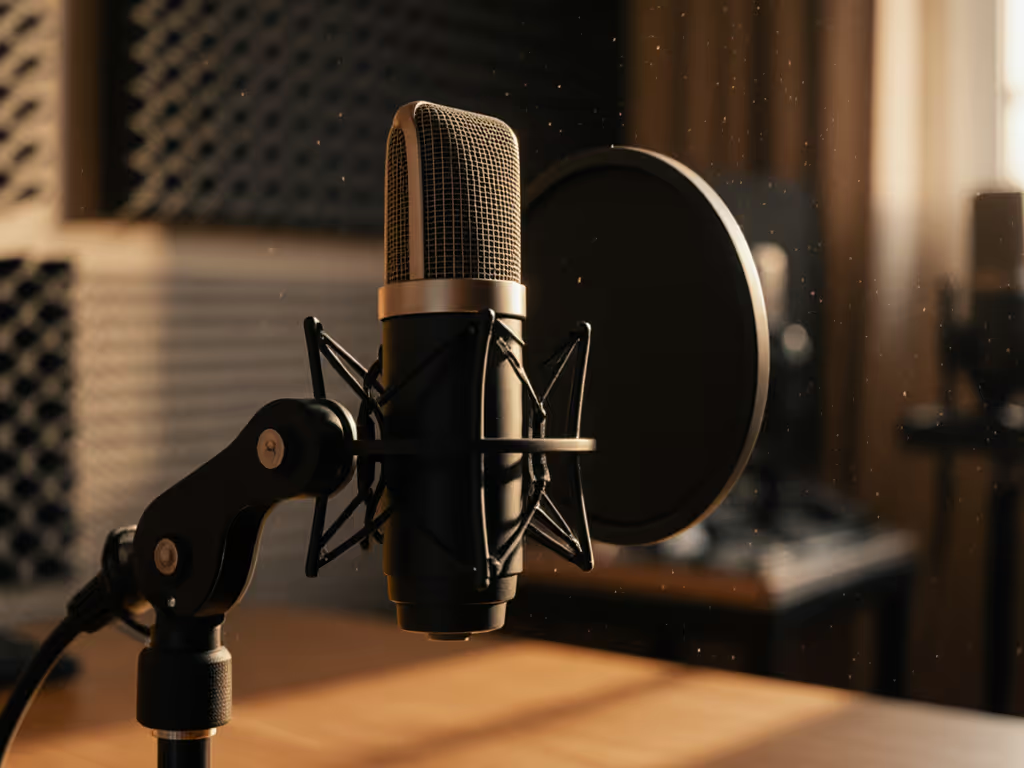
- Position your mic 4-6 inches beside your mouth (not in front)
- Angle the capsule toward your jawline, not your lips
- Keep consistent distance even when gesturing
This simple shift exploits physics: sound waves hit the mic diaphragm at an angle, reducing harsh consonants and picking up less room reflection. Crucially, it minimizes desk resonance pickup because the mic's rear rejection zone now faces your desk surface. Pair this with a sturdy boom arm mounted away from your desk (e.g., clamp to a monitor stand), and handling noise plummets.
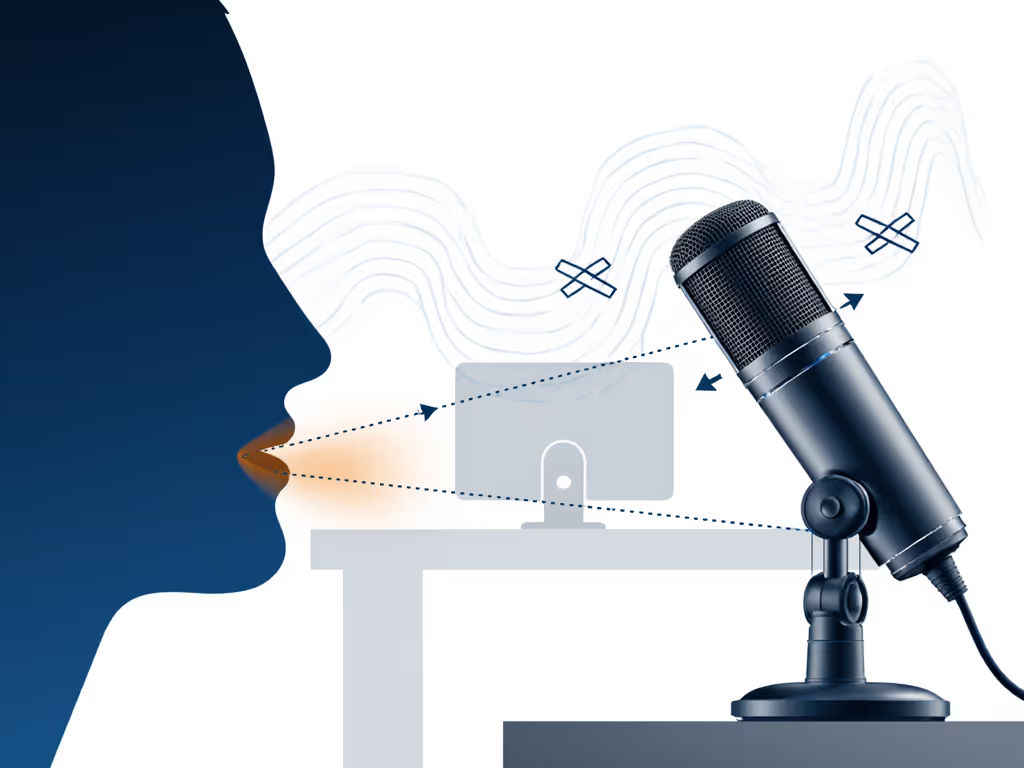
Why it works: Cardioid mics reject sound from the rear/sides. By going off-axis, you're using the mic's natural polar pattern to ignore problem sources. My webinar rescue? We placed a dynamic mic off-axis on a damped arm - keyboard noise vanished instantly. No plugins needed.
Step 3: Choose Forgiving Hardware (Not Hype)
Stop chasing "studio sound" in untreated rooms. Not sure which capsule type fits your space? Read our dynamic vs condenser guide for untreated rooms. Your biggest ally is a mic with built-in noise resilience. In 2025, smart microphone technology bridges hardware and AI:
- Dynamics over condensers in noisy spaces (they reject off-axis sound better)
- Real-time noise cancellation baked into hardware (not just post-processing)
- Tight polar patterns (super- or hypercardioid) that ignore desk noise
Some newer podcast microphone models - like those with dual-mode noise suppression - let you toggle between Basic (quiet rooms) and Strong (cafes, street noise) cancellation as you record. This isn't cheating; it's capturing cleaner raw audio so AI audio processing later has less work to do. The DJI Mic Mini, for example, uses layered noise cancellation to suppress ambient hum while preserving vocal clarity - perfect for creators recording in transient spaces like coffee shops or home offices with AC noise.
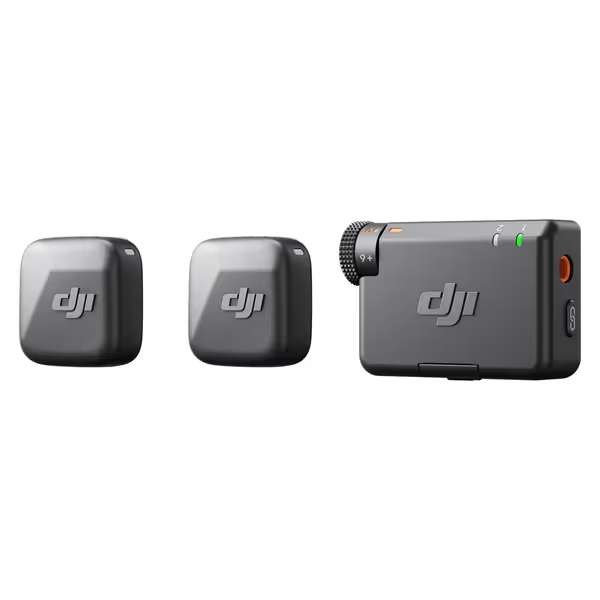
DJI Mic Mini
Capture studio-quality, clear audio wirelessly, even in noisy outdoor environments.
$79
Max Transmission Range400m
Max Transmission Range400m
Pros
Ultra-compact & discreet for on-camera use.
Powerful noise cancellation adapts to any environment.
Automatic limiting prevents audio clipping.
Seamless DJI Ecosystem integration.
Cons
Miniature size could be easy to misplace.
Customers praise the microphone's studio-quality build and crisp, clear sound. The device connects seamlessly via Bluetooth and works perfectly with various devices, including Xiami Redmi 13 Pro Plus and Tascam audio recorders. Customers find it easy to use and appreciate its compact size, with one noting it's small enough to be easily disguised. The microphone stays charged for a long time, and customers consider it well worth the price.
Customers praise the microphone's studio-quality build and crisp, clear sound. The device connects seamlessly via Bluetooth and works perfectly with various devices, including Xiami Redmi 13 Pro Plus and Tascam audio recorders. Customers find it easy to use and appreciate its compact size, with one noting it's small enough to be easily disguised. The microphone stays charged for a long time, and customers consider it well worth the price.
Key insight: Hardware that prevents noise capture reduces your editing burden by 70%. A condenser mic in a lively room forces aggressive post-production that often muddies vocals. A forgiving dynamic mic with smart noise handling? You'll edit less because there's less to fix.
Step 4: Activate AI Tools After You Fix the Source
Here's where most guides fail: they push AI noise reduction as a first fix. But plug-ins like Adobe Podcast's Enhance Speech or Descript's Studio Sound work best when fed already-clean audio. If your raw track is drowning in keyboard thumps, even AI can't magically isolate your voice without artifacts. If you're still fighting hiss, hum, or pops, work through our microphone troubleshooting guide.
Do this instead:
- Apply Steps 1-3 to capture the cleanest raw audio possible
- Then use AI tools for surgical fixes:
- Noise reduction: Target only residual hum (not heavy noise)
- Mouth sound remover: For lip smacks (not desk rattles)
- Fillers: Trim only after ensuring clean speech segments
When your source audio is already quiet, AI noise reduction podcasting becomes a polish - not a patch. You'll spend minutes, not hours, because retakes are rare. That webinar I mentioned? Editing shrank to trimming silence. The guest's voice stayed natural because we hadn't corrupted it with desk noise first.
Step 5: Build Your Zero-Post Checklist
Sustainability beats one-off fixes. Adopt this daily ritual:
- Pre-check noise sources: Mute AC, close windows, test desk stability
- Off-axis placement: 5 inches from jaw, boom arm isolated from desk
- Hardware settings: Noise cancellation level set before recording
- Gain staging: Record at -18dB peak (avoids clipping + leaves headroom for AI) Get step-by-step targets in our gain staging tutorial.
- 10-second room tone: Capture silence in your setup for AI tools
This isn't fussy - it's repeatable. When your mic stops fighting your environment, you stop fighting your editor. And that's when you unlock: faster publishing, fewer retakes, and the confidence that your voice - your actual voice - carries the story.
Touch nothing, sound great
Your Actionable Next Step: Tomorrow, before recording, spend 90 seconds doing only Step 2. Place your mic off-axis, clamp the boom arm to something stable (not your desk!), and record a 30-second test. Listen back. Notice the reduction in desk noise? That's the foundation. Build from there - and reclaim your editing time.
Related Articles