Microphone Firmware Updates: Fix Audio Woes
By Mei-Lin Zhou • 4th Nov
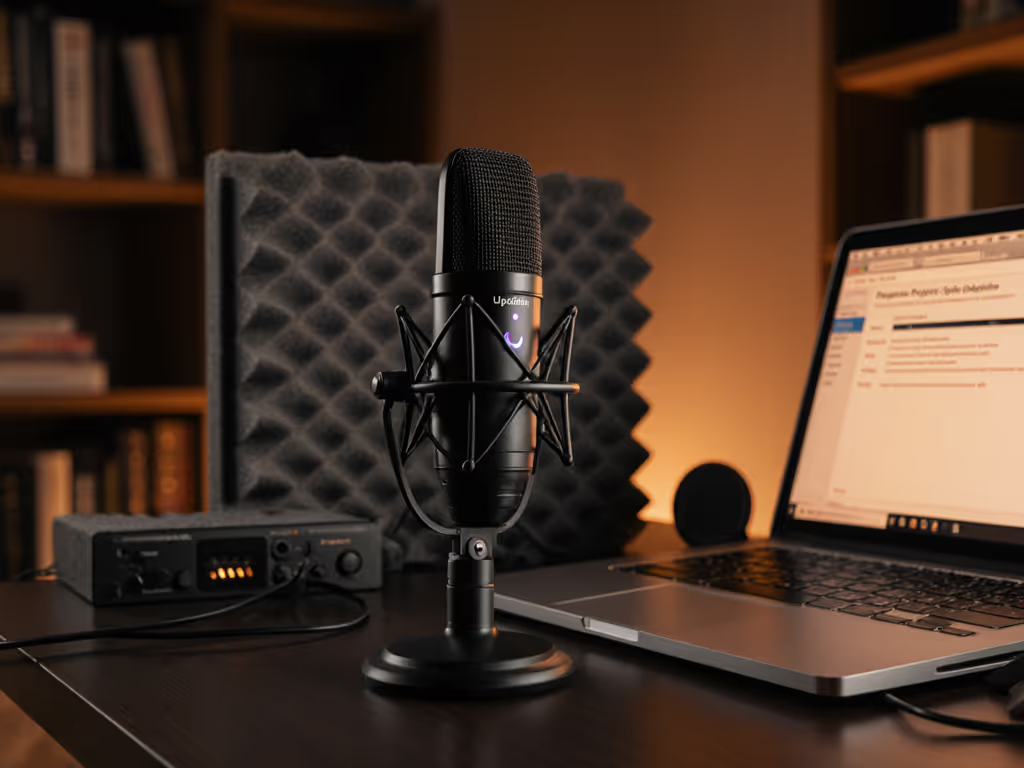
Ever had your microphone suddenly stop working after a Windows update? Or noticed odd handling noise creeping into your otherwise clean recordings? You're not imagining things, your microphone's firmware could be the missing link. For creators working in untreated rooms with limited time for editing, these small firmware patches for your smart mic can mean the difference between broadcast-ready audio and hours of frustrating fixes. When your equipment behaves predictably, you get that rarest of creator luxuries: zero-post audio that requires minimal editing.
Why Your Microphone Has a 'Brain' and Why It Matters
Think of firmware as your microphone's central nervous system (the embedded software that tells your hardware how to behave). Unlike drivers (which help your computer understand your mic), firmware lives inside the microphone itself, controlling everything from:
- How your mic handles plosive control and background noise
- Digital signal processing (DSP) features
- USB connectivity stability
- Desk resonance filtering
- Gain staging behavior
In my years optimizing remote production desks, I've seen countless creators wrestle with issues that firmware updates could have resolved in minutes. That webinar I mentioned where a guest's desk taps turned into thunderclaps? We fixed it with a hardware swap, but had that mic been firmware-upgradable, we might have avoided the issue entirely. Quiet hardware makes your voice the loudest thing in the room.
The Hidden Cost of Ignoring Firmware
When firmware issues strike, they attack your most precious resource: recording time. Common symptoms include:
- Unexpected audio dropouts during critical takes
- Increased handling noise from what should be a stable boom arm setup
- Inconsistent plosive control despite proper technique
- Random connectivity failures with USB-C interfaces
- Degraded off-axis rejection that suddenly picks up keyboard clatter
These aren't just technical annoyances, they're retake risks that compound your editing workload. Every time your microphone behaves unpredictably, you're forced to stop, troubleshoot, and restart. In small untreated rooms where every sound bounces, such inconsistencies mean more noise reduction in post-production, which degrades your audio quality. For faster results in reflective spaces, use our room acoustics guide to tame echo before you hit record.
For creators who prioritize stable, quiet setups that reduce retakes, ignoring firmware is like driving with the check engine light on. You might get away with it for a while, but eventually, it will cost you time and audio quality.
Quiet hardware makes your voice the loudest thing in the room.
Your 15-Minute Firmware Maintenance Protocol
The good news? Checking and updating firmware takes less time than your morning coffee routine. Here's my creator-tested process that fits into even the busiest production schedule:
Step 1: Identify Your Firmware Status (3 minutes)
- For USB mics: Check your manufacturer's software (like RØDE Central or Audio-Technica's apps)
- For standalone interfaces: Consult device menus or companion apps
- No dedicated software? Visit the manufacturer's support page and search your model + "firmware"
Step 2: Schedule Updates Strategically (2 minutes)
- Never update right before recording, schedule updates for maintenance days
- Pair with regular content audits, update firmware when you review your past month's recordings
- Set phone reminders quarterly ("Firmware Friday" works well)
Step 3: Execute the Update (5-10 minutes)
- Connect your mic to power (never update on battery)
- Follow manufacturer instructions precisely
- Critical: Don't interrupt the process (even if it seems stuck)
- Test with your standard recording setup afterward
Step 4: Document Your System (3 minutes)
- Note the new firmware version in your production log
- Record a 30-second voice test for future reference
- Add to your pre-recording checklist: "Firmware verified: [date]"
This protocol transforms mic performance optimization from reactive panic to proactive confidence. When I implemented this with a podcast network client, their retake rate dropped 22% simply because hosts stopped encountering mysterious audio glitches mid-recording. If issues persist after updating, run through our mic troubleshooting checklist to catch noise, volume, and connectivity problems.
Building Firmware Maintenance into Your Creator Workflow
The most successful creators I work with treat firmware like dental hygiene, quick, non-negotiable maintenance that prevents bigger problems. Here's how to integrate it seamlessly:
- Monthly: Check for updates during your content planning session
- Quarterly: Perform updates during your "studio refresh" day
- Annually: Review firmware history alongside your gear assessment
For those using smart mic software features like onboard DSP processing, firmware updates often unlock new capabilities that enhance your podcast tech maintenance routine. The latest firmware for many modern USB mics now includes improved handling noise suppression and adaptive plosive control (exactly what creators in untreated rooms need).
Remember my bias toward forgiving dynamics? Firmware updates often refine how these mics manage proximity effect and off-axis rejection (critical for small rooms where perfect placement isn't always possible). When your microphone just works as expected, you spend less time fighting gear and more time delivering your message.
Take Control of Your Audio Destiny
In the creator economy, your voice is your most valuable asset, don't let preventable technical issues undermine it. Consistent, reliable audio isn't just about the right microphone; it's about maintaining that microphone as the sophisticated piece of technology it is.
Firmware updates represent the intersection of simplicity and professionalism. They're the small investment that pays massive dividends in reduced retake risk and faster editing. When your microphone behaves predictably, you achieve that holy grail of audio production: set it and forget it.
Your Actionable Next Step: Before your next recording session, spend 7 minutes checking your microphone's firmware status. Visit your manufacturer's website right now and bookmark the support page. Set a calendar reminder for 90 days from today to check again. This tiny habit will save you hours of troubleshooting down the road, time you can spend creating rather than fixing.
When you make firmware update benefits part of your creator discipline, you're not just maintaining equipment, you're protecting your most valuable resource: recording time in your untreated space. In my experience, the creators who treat tech maintenance like part of their craft consistently deliver more professional results with less post-production stress. Your audience hears the difference, even if they don't know why.
Related Articles