Podcast Mic Calibration Guide: Room Noise Solved
By Nora Adeyemi • 3rd Jan
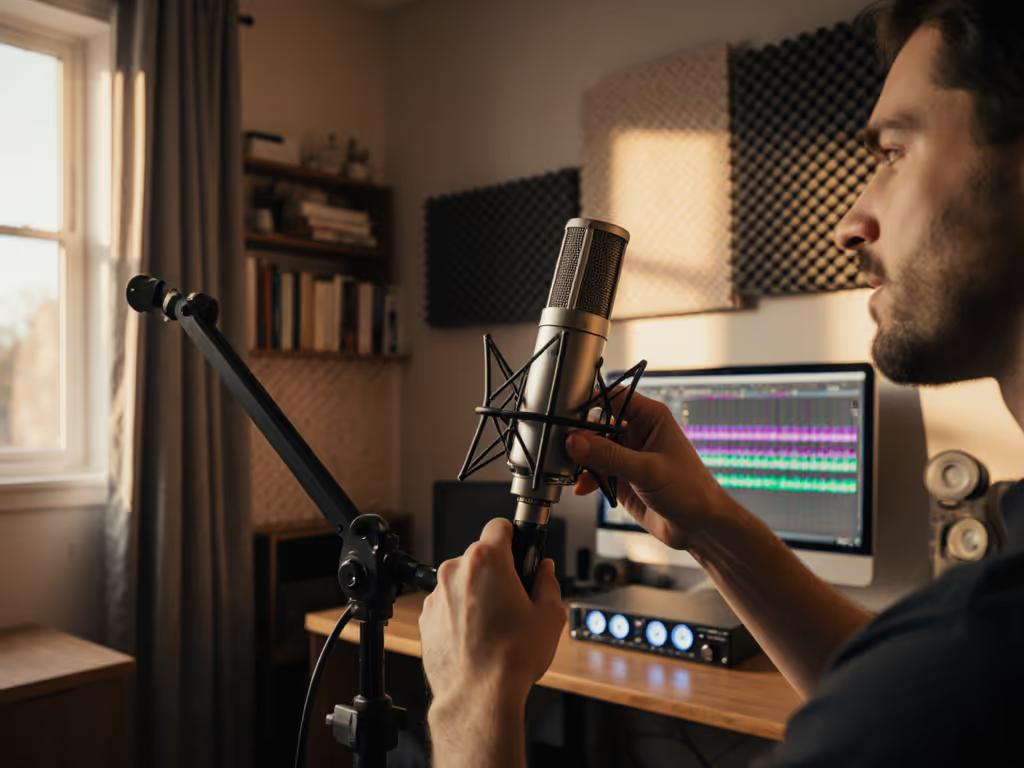
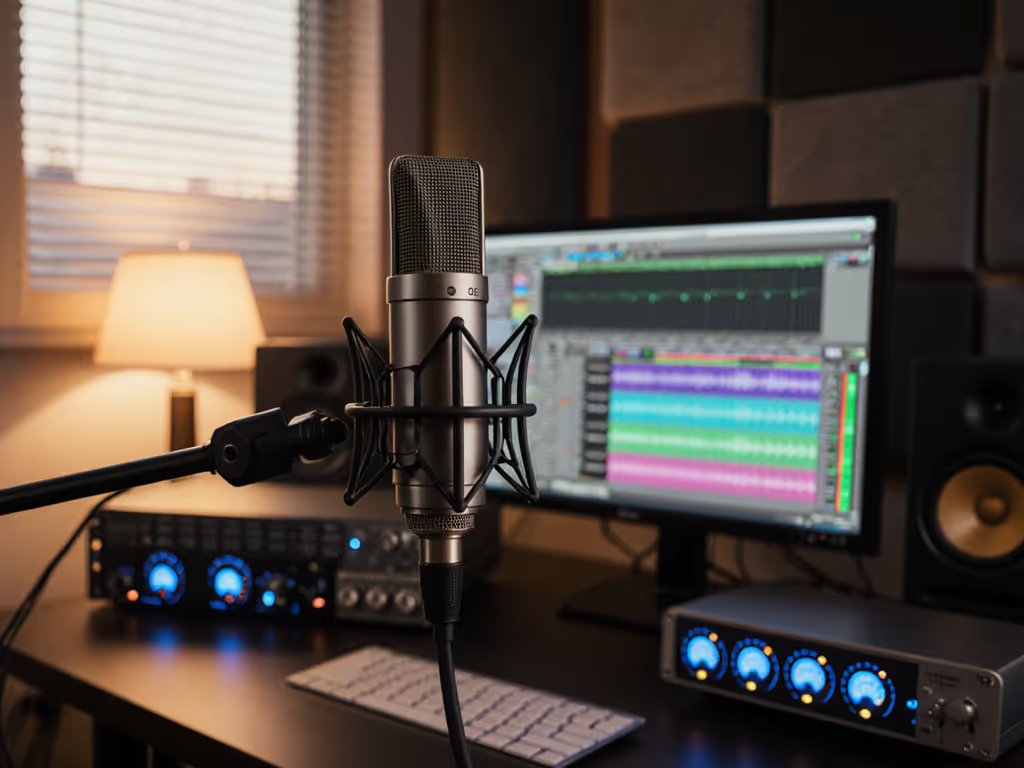
Let's be honest, your biggest audio headache isn't finding a high quality podcast microphone. It's the echo, hum, and muffled chaos that hijacks your recording the moment you hit play. Good news: true microphone calibration techniques start long before you tweak software settings. Forget complex professional calibration process manuals. This room-first approach to podcast audio gear setup solves 80% of background noise issues before you even record a single word. For acoustic quick wins that tame echo and flutter, see our room acoustics podcasting guide. I've seen first-time hosts waste hours chasing post-processing fixes when their real problem was three inches of poor placement and unchecked room acoustics.
Why Your Room Matters More Than Specs
Most podcasters fixate on frequency charts and SPL ratings, then panic when their "studio-quality" mic sounds hollow in a bedroom. Newsflash: room-specific mic setup beats expensive gear every time. Your voice isn't measured in anechoic chambers, it lives in real spaces with reflective surfaces. Before touching calibration, ask:
- Is this the quietest room in your house after 8 PM? (HVAC noise disappears)
- Can you slide a yoga mat under your feet? (Floor vibrations matter)
- Are there soft surfaces within 3 feet? (Curtains, rugs, upholstered chairs)
Your microphone isn't broken if it picks up street noise, it's doing its job. Your setup isn't room-ready yet.
Last Tuesday, I watched a new host clutch her USB mic like an ice cream cone, peaking every laugh. That shaky grip? It amplified desk thumps and room echo. We moved her to a closet-sized den with blankets over the window. No treatment. Just strategy.
The 4-Step Room-Ready Calibration Method
This isn't lab-grade audio frequency matching. It's field-tested calibration for humans in imperfect spaces. Follow these steps in order:
Step 1: Lock Your Room Choice (The 60-Second Rule)
Don't settle for "good enough" space. Room choice is your first filter against noise. Before mic placement:
- Close all doors/windows
- Record 10 seconds of silence with your mic
- Play it back. If you hear consistent hum (computers) or bursts (traffic), move
- Pro tip: Try a bathtub room. Tile absorbs highs but water pipes add low-end thumps (test at recording times).
A client recording in her walk-in closet cut background noise by 60% by shifting her session time to avoid upstairs neighbor footsteps. Real rooms have real rhythms.
Step 2: Anchor Your Distance (≈ Fist Width Rule)
Stop guessing "a few inches." Your mouth-to-mic gap is the most critical variable. For USB mics (like the popular $100 to $200 range):
- Form a fist. Hold your knuckle against your lips.
- Place the mic capsule just behind your fist (4-5 inches for most voices)
- Critical: Angle the mic slightly off-axis (30 degrees away from your mouth)
- Recheck after 5 minutes of talking. Nervous hosts creep closer.
Why this works: Off-axis placement avoids blasting plosives directly into the capsule while maintaining consistent proximity effect. Get step-by-step diagrams and angles in our podcast mic positioning guide. At this fist-width distance, you're far enough to avoid breath crashes but close enough for clean gain staging.
Step 3: Set Gain with Your Voice (Not Tone Generators)
USB mics have built-in preamps, so there is no need for signal generators. Here's how to calibrate using your actual voice:
- Enable direct monitoring on your mic (bypasses software latency)
- Speak at your loudest interview volume ("That's a great point!")
- Adjust the gain knob until peaks hit -6 dB on your recorder's meter
- Whisper "testing," and if you hear hiss, reduce gain by 10%
Do not skip step 1. I watched a host chase clipping for an hour because her USB mic's software monitoring had 200 ms delay. For deeper targets, interface tips, and meters, use our podcast mic gain staging guide. Direct monitoring is your real-time feedback loop. If your mic lacks this (e.g., some budget models), use headphones plugged directly into the mic's output port.
Step 4: The 90-Second Voice Calibration Test
Forget reference tones. Your voice is the perfect calibration tool:
- Say "ahhh" steadily for 5 seconds at normal volume
- Record and check waveform: Should be full-bodied but not touching top/bottom
- Now say "pssst" loudly (tests high-frequency noise rejection)
- If "pssst" distorts but "ahhh" is clean: pop filter is too close or misaligned
- If room echo is visible in silent gaps: Move mic closer to your mouth (yes, really)
This zero-post test reveals what spec sheets hide: how your mic handles your voice in your room. No engineer needed. To understand why some mics naturally reject room noise better, read our microphone polar patterns guide.
Why This Beats "Pro" Calibration Methods
You're not measuring decibels for NASA. You're capturing stories. Traditional microphone calibration techniques require:
- $300 acoustic calibrators
- 94 dB tone generators
- Perfectly anechoic spaces
None exist in home studios. My cheat sheet prioritizes repeatable setup over precision. When you anchor distance with fist-width checks, lock gain via direct monitoring, and choose rooms by actual noise profiles, you build confidence. That's the real magic.
Remember my client who clutched her mic like a popsicle stick? After these steps, her voice stopped triggering "clip" warnings. Background hum vanished. She didn't need noise reduction plugins. Her next recording flowed because she stopped fighting her gear. Green lights, not perfect waves.
Your Action Plan (Start Today)
- Do the silence test in 3 rooms tonight (use your phone recorder)
- Mark your fist-width distance on a sticky note beside your mic
- Disable software monitoring, and use direct monitoring or headphones plugged into the mic
Spend 10 minutes before your next recording doing this. You'll spend less time editing and more time sharing stories. That's the only metric that matters.
Small, repeatable wins turn scary red lights into green.
Related Articles