Elderly Speakers: Podcast Mics Comparison Decoded
By Nora Adeyemi • 6th May
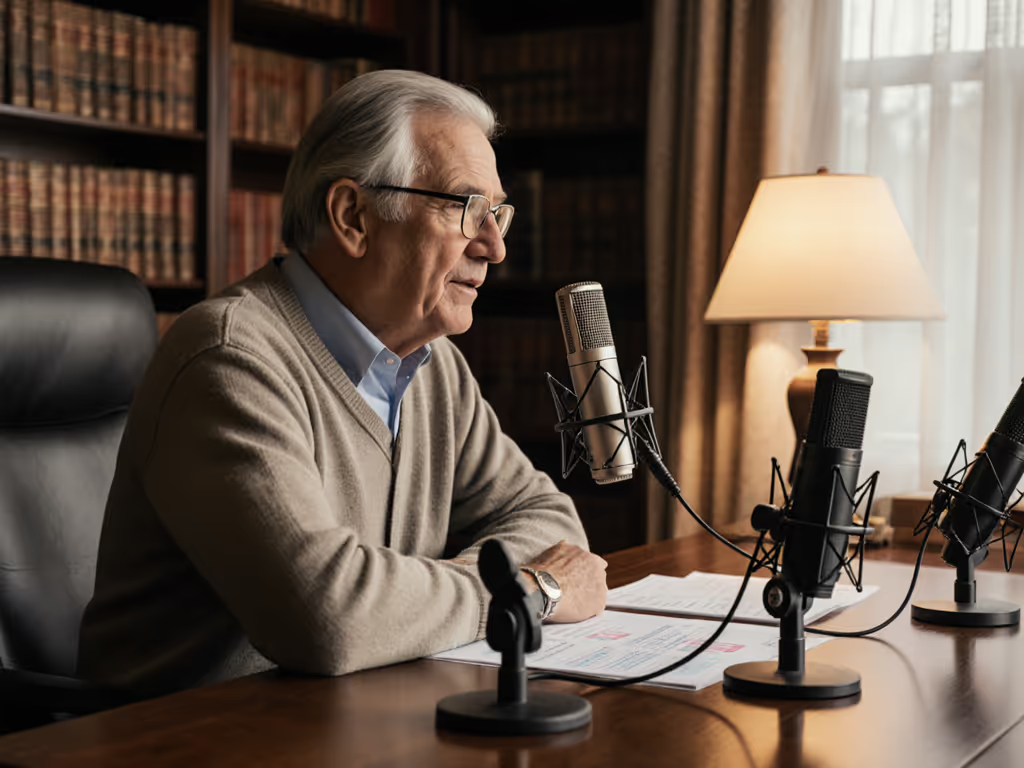
Many independent podcasters face a specific challenge: recording voices that don't fit the assumed "standard" sound. Whether you're onboarding an elderly co-host, recording a senior expert for your show, or launching your own podcast later in life, elderly speaker microphone comparison matters because age affects vocal characteristics in ways that demand different mic choices than what the internet typically recommends for 30-year-old hosts.
The good news? Age-friendly podcast mics exist, and understanding them removes the guesswork. This guide breaks down what to listen for, what to skip, and how to build a repeatable setup that captures warm, clear voice without editing wizardry.
Why Age Changes How You Choose a Microphone
Age brings natural voice changes: lower average pitch (especially in men), reduced amplitude (quieter overall delivery), and sometimes a slight tremor that certain microphone designs amplify rather than smooth. Most entry-level mic recommendations optimize for mid-range voices with moderate loudness. A condenser mic with a presence peak might exaggerate sibilance on an older woman's voice; a mic requiring lots of gain can introduce hiss on a naturally quieter speaker.
The fix isn't expensive gear; it's matching the microphone's sensitivity and frequency response to the voice you're capturing.
FAQ: Choosing the Right Mic for Elderly Speakers
What's the difference between dynamic and condenser mics for aging voices?
Dynamic mics (like the Shure SM58 or similar handheld types) require more deliberate mic technique but excel at rejecting room noise and handling proximity effect. They're forgiving on vocal tremor reduction techniques because they don't respond to every minute vibration.
Condenser mics (like USB condensers or studio condensers) are extremely sensitive, great for capturing intimacy and detail, but they also pick up tremor, breath, and room flutter. For an elderly speaker in an untreated room, a condenser can sometimes sound brittle.
The practical answer for beginners: Start with a USB dynamic or a USB condenser with a tight cardioid pattern and good off-axis rejection. The Shure MV7+ bridges both worlds (hybrid XLR/USB, dynamic capsule), but a solid USB condenser like the Blue Yeti Nano or FiFine K688 also works (with the right microphone placement technique). For a deeper primer on when to choose each type, see our dynamic vs condenser guide.
How does low vocal volume affect microphone choice?
When a speaker has naturally lower output (a common trait in aging voices), two problems emerge:
- You must turn up the gain knob on your audio interface or mic's preamp
- If the gain is too high, you get hiss (self-noise) instead of clean voice
Low-volume voice capture requires a microphone with good sensitivity, typically -35 dBV/Pa or better, so you don't need to crank gain into the hiss zone. USB mics with onboard gain controls (like the FiFine K688 or Shure MV7+) let you adjust directly on the mic, giving you finer control than software-only adjustment.
This is where USB-first setups shine for elderly speakers: the onboard controls mean you're not fumbling through interface menus to dial in the right level.
What is vocal tremor, and which mics handle tremor better?
Tremor (that slight wobble in an aging voice) gets amplified or dampened depending on the microphone's polar pattern and frequency response. A very sensitive, wide-frequency condenser mic can make tremor sound more pronounced. A dynamic mic or a cardioid condenser focused on the center naturally de-emphasizes the flutter.
To reduce tremor appearance:
- Use a dynamic mic or a cardioid condenser (not omnidirectional)
- Lock your distance at a consistent fist-width from the mic
- Aim slightly off-axis (about 15 degrees off the microphone's center line) to reduce the proximity effect and slight resonance that can exaggerate tremor
- Enable direct monitoring so the speaker hears themselves clearly and stabilizes their delivery instinctively
This isn't a workaround, it is technique that works for any voice. I once watched a first-time host clutch the mic like an ice cream cone, peaking every laugh. We added a pop filter, angled her slightly off-axis, locked distance with the fist-width trick, and enabled direct monitoring. Her next take was clean, her shoulders dropped, and the story finally breathed. For step-by-step angles and distance tactics, follow our mic positioning guide.
Small, repeatable wins turn scary red lights into green.
That same principle applies to elderly speakers: one solid decision per session removes anxiety and builds confidence.
How do I compare mics for vocal clarity for older voices?
Don't rely on frequency response graphs alone. Listen to real demos of people with similar voice characteristics (not just the host's demo recording).
Key things to notice:
- Does sibilance sound harsh or natural? Older voices sometimes have less sibilance, so a bright mic might sound over-processed. A warmer mic avoids fatigue over long sessions.
- Is breath audible but not overwhelming? A good mic captures presence (air, plosives, breath) but doesn't weaponize it.
- Does room tone bleed through? Test the microphone's off-axis rejection. A tight cardioid rejects more side/rear noise, important if recording in an imperfect room.
- Can you hear vocal tremor or is it smooth? Play back a 60-second sample at conversation volume and ask: does this sound like the person, just recorded, or does it sound like a trembling version?
For low-volume voice capture, seek mics with low self-noise specs (under -60 dBu is solid). The Shure MV7+ and FiFine K688 both publish these specs, and real-world tests confirm low hiss floors.
Should elderly speakers use a pop filter? What about windscreens?
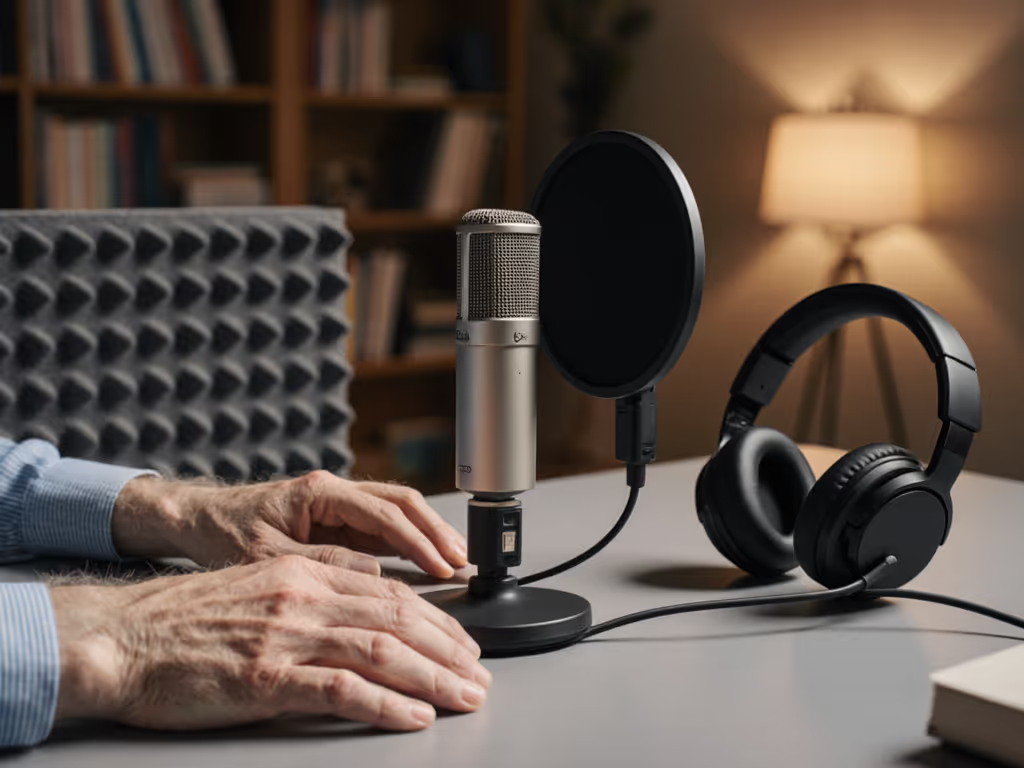
Absolutely use a pop filter. Plosives (hard P, B, T sounds) can clip audio or require aggressive compression. A pop filter costs $15-40 and eliminates that problem at source, making zero-post mixing possible, no de-esser, no surgical EQ.
Windscreens (foam caps that slip over the mic) are less critical indoors, but they do reduce breath noise on very quiet speakers. A pop filter alone usually suffices for studio recording; windscreens help on location or noisy environments.
What about room choice and treatment?
The best room for an older voice is one with soft materials, curtains, carpet, foam, that absorb flutter and echo. A bedroom or carpeted office is better than a tile bathroom or kitchen.
Minimal treatment works: a $20 foam panel behind the mic absorbs direct reflections. If you need quick fixes for echo in real rooms, read our room acoustics guide. Don't overthink this. A repeatable room choice and solid mic placement beat elaborate treatment every time. Elderly speakers often appreciate familiar, quiet rooms anyway (a home office or bedroom is comfortable and sounds better than a cold, reflective space).
How do direct monitoring and gain staging work?
Direct monitoring (hearing your voice in real time through headphones) is a game-changer for any speaker, especially older voices prone to tremor or confidence dips. It lets the speaker adjust their distance and delivery on the fly without lag or feedback.
To set it up:
- Connect your USB mic to your computer
- Open your recording software (Audacity, Riverside, Zencastr, etc.)
- Enable "Monitor" or "Direct In" in the mic settings, or route the mic input directly to your headphone output
- Ask your speaker to talk at normal conversation volume while watching the level meter
- Adjust the gain knob so peaks hit -6 dB to -3 dB (leaving headroom for surprise shouts or laughter)
- Have them wear headphones during the session
This removes doubt. They hear themselves clearly, speak naturally, and you capture clean audio without editing wizardry. Dial in levels precisely with our mic gain staging guide.
USB vs. XLR for elderly speakers - which should I start with?
USB is the right first choice. It's plug-and-play, offers onboard gain and monitoring on many models, and costs $100-300. No audio interface, no phantom power cables, no headache. For upgrade paths and trade-offs, compare setups in our XLR vs USB microphones guide.
Once you're comfortable with USB (or recording multiple elderly speakers), you can upgrade to XLR (keeping your pop filter, stand, and shock mount because they're compatible). An XLR upgrade preserves your investment.
For now, prioritize a USB dynamic or cardioid condenser with clear onboard controls and published sensitivity specs. The Shure MV7+ and FiFine K688 both fit this profile and are designed for exactly this scenario: confidence from day one.
What gain settings work for soft-spoken elderly speakers?
Soft-spoken voices require careful gain balancing:
- Aim for average peaks at -12 dB to -6 dB on your meter (with headroom to +0 dB for surprises)
- Never ride the gain knob during recording; set it and leave it
- If you must add gain, do it at the mic's preamp first (onboard controls), then the interface, then software, in that order
- Test with a full sentence, not just a greeting; conversational speech has dynamics
Many elderly speakers naturally run quieter. That's fine, you're building a repeatable setup that doesn't demand constant tweaking.
Comparison: USB Dynamics vs. USB Condensers for Elderly Voices
| Characteristic | USB Dynamic | USB Cardioid Condenser |
|---|---|---|
| Proximity to speaker | Less critical; forgiving | Fist-width distance needed |
| Tremor amplification | Minimal | Can magnify if too sensitive |
| Room noise rejection | Better off-axis rejection | More sensitive to ambient sound |
| Breath/plosive handling | Naturally reduced | Requires pop filter |
| Setup simplicity | Plug-and-play | Plug-and-play with gain care |
| Vocal clarity for older voices | Warm, intimate | Detailed, presence-forward |
| Ideal for | Quiet, naturally soft voices | Clear, moderate-volume voices |
| Cost | $100-250 | $100-300 |
Senior Voice Recording Solutions: Your Actionable Next Step
You now understand the why behind elderly speaker microphone choices. Here's your path forward (no overthinking, just clear actions):
Week One: Choose and Test
- Pick one USB mic based on your speaker's vocal profile (use the comparison table above)
- Order it from a retailer with easy returns (Amazon, B&H, etc.)
- When it arrives, unbox and test it for 15 minutes in your actual recording room with your elderly speaker
- Record a 30-second sample and listen back
Listen for: naturalness, room noise, hiss, and sibilance/breath balance. If two of four check out, return it. If all four check out, keep it.
Week Two: Build Your Repeatable Setup
Assemble these components:
- Microphone (chosen above)
- Pop filter ($15-40)
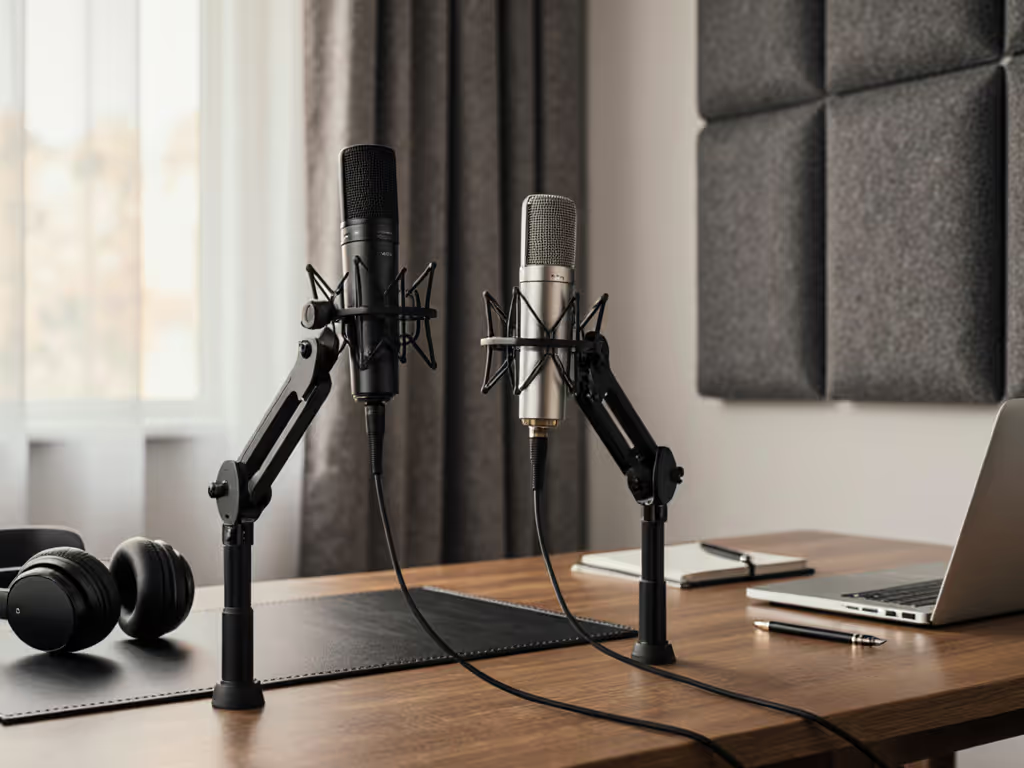
- Basic mic stand or arm ($25-60)
- USB cable and headphones (you likely have these)
- Optional: small foam panel for wall behind mic ($20)
Test together in your room. No software tweaking yet, just hardware.
Week Three: Lock Your Distance and Enable Direct Monitoring
- Position the mic at a fist-width from the speaker's mouth
- Angle 15 degrees off-axis
- Plug headphones into the mic's headphone jack
- Set gain knob to -6 dB peak at normal conversation volume
- Record a 60-second test and listen back
If you hear hiss, lower the gain a bit. If you hear clipping, lower it.
Week Four: Record Your First Episode
- No editing, just raw audio
- Adjust gain only if you're clipping or bottoming out in hiss
- After three episodes, you'll have the repeatable pattern locked
Small, repeatable wins turn scary red lights into green. Elderly speakers bring wisdom, authority, and warmth to any show. They deserve clear, honest recordings that honor their voice and story. This setup delivers exactly that, without overwhelm, without expensive gear churn, and without the myth that podcast quality requires a studio or hours of editing.
Start with USB. Lock your distance. Enable direct monitoring. Record.
Related Articles