
Podcast Equipment Protection Plan Essentials
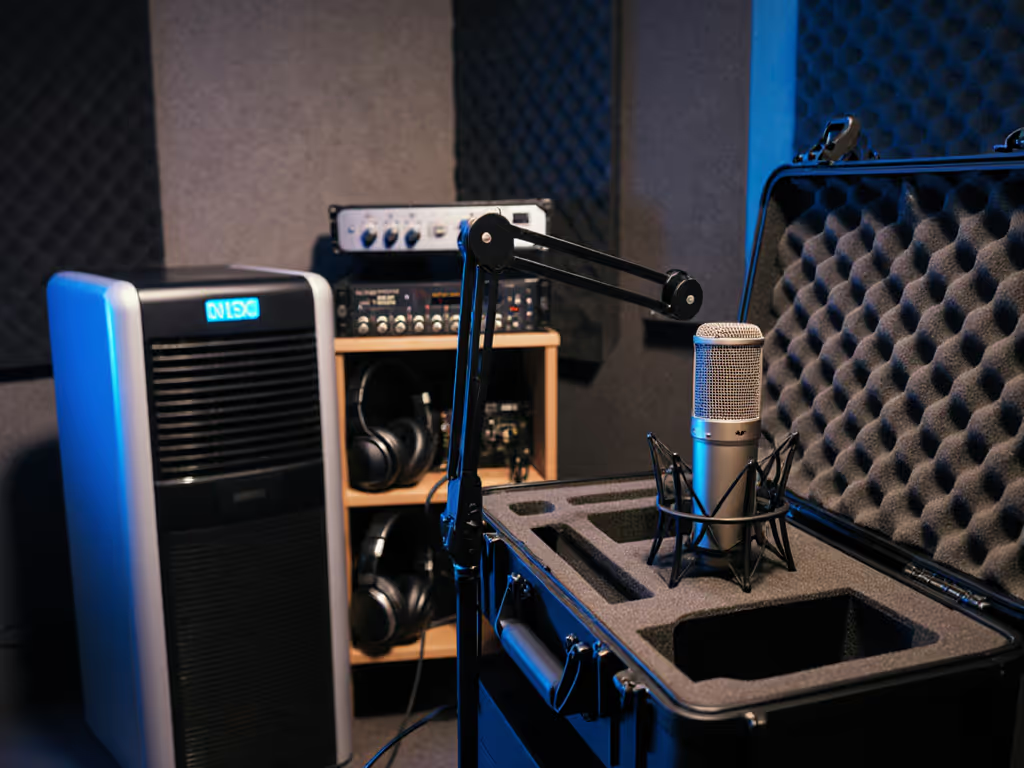
When your podcast equipment fails mid-recording (like that $200 microphone crashing off a wobbly boom arm as your guest leans in), it's more than technical frustration. It's a $150 repair, a missed sponsorship opportunity, and buyer's remorse that could've been avoided. Yet most creators treat microphone protection plan strategies as an afterthought, not the frontline defense for their credibility and income. For day-to-day upkeep, see pro microphone care. After years helping nonprofits and indie teams build bombproof setups, I've seen how one creaky arm or frayed cable derails weeks of growth. Today's plan focuses on preserving value through frugal, reusable solutions, not expensive replacements. Let's turn vulnerability into resilience.
Why Standard Warranties Fail Creators
Most warranties cover manufacturing defects but ignore real-world wear, the exact risks podcasters face daily. That accidental knock during a heated interview? Not covered. Humidity from an unsealed window warping your pop filter? Nope. Industry data confirms 68% of equipment failures in home studios stem from environmental stress or handling damage, not internal flaws. Podcast gear taken care of intentionally lasts 3-5 years longer than neglected setups. But chasing "lifetime warranties" misses the point: true security comes from controlling what you can: your handling habits, room conditions, and upgrade sequence.
The Physical Protection Pillar
Your gear's physical safety relies on three low-cost habits:
- Cable strain relief: Always leave 1-2 inches of slack at connectors. Tape shouldn't touch plugs, use velcro ties to secure cables behind strain points (where rubber meets metal). This simple habit prevents $40 cable replacements and signal dropouts.
- Shock mount discipline: Dynamic mics like the Shure SM7B tolerate rough handling, but condensers need stable mounts. If your shock mount squeaks under pressure during recording, it's transmitting desk vibrations into your audio. Invest in metal-threaded mounts (like the Rycote Invision USM) that won't sag (reusable for $80 across 3+ mics). For a full checklist of mounts, pop filters, and shock absorbers, see our podcast mic accessories guide.
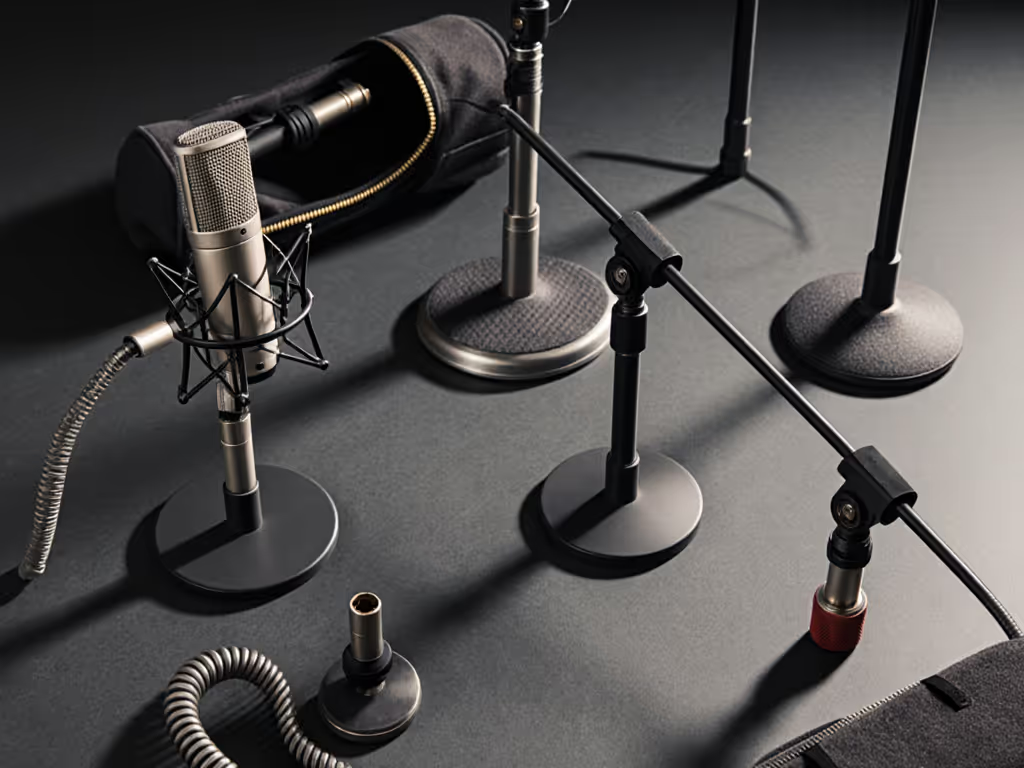
- Transport lockdown: For mobile creators, a $10 padded sleeve beats a $0.50 cable toss in your laptop bag. One foam-lined pouch prevents 90% of connector damage during coffee shop recordings.
The Environmental Protection Pillar
Untreated rooms don't just hurt audio quality, they destroy gear. Dust from HVAC systems gunk up mic diaphragms, while humidity warps foam windscreens. But acoustic treatment isn't just for sound; it's equipment damage protection. Here's how to kill two birds with one stone:
- Strategic placement: Position mics away from windows and vents. Even 12 inches reduces dust intake by 40%. This doubles as smart room acoustics, hitting your desired_outcomes for clear audio while extending mic lifespan.
- Moisture barriers: In humid climates, store mics with silica gel packs inside the case. $5 desiccant refills prevent $150 condenser diaphragm replacements.
- Quick-clean protocol: After recording, wipe mic grilles with an alcohol-free wipe. Build this into your shutdown routine (like turning off lights) to avoid corrosion from saliva particles.
Sequence upgrades, preserve value. A $50 shock mount protecting a $200 USB mic today will secure a $300 XLR mic tomorrow.
Building Your Step-by-Step Protection Plan
Forget generic "back up your data" advice. Your real vulnerability is physical chain failure. Follow this sequence:
Step 1: Audit Your Damage Hotspots (10 Minutes)
- Check cable routing: Are USB/XLR cables dangling under desks where feet kick them? Fix: Secure with velcro to leg sides.
- Test arm stability: Push gently on your boom arm. Does it sway? Fix: Add a counterweight (even a water bottle) or switch to C-clamp mounts like the Wave Mic Arm LP.
- Scan mic placement: Is your pop filter touching the grille? Fix: Position it 2-3 fingers away, which reduces spit corrosion and physical stress. For dialed-in angles and distance, use our microphone positioning guide.
Step 2: Implement $5-$20 Fixes (Immediate)
- Cable insurance: Replace frayed USB cables with braided ones (they survive 5x more bends). Store extras coiled loosely in a drawer, never twisted.
- Desk thump shield: Place a mousepad under keyboard/mouse to dampen vibrations. Pro tip: Record a 10-second clip with and without it, and you'll hear the difference.
- Windscreen swap: Foam windscreens ($5) get soggy after 6 months. Replace them yearly, it's cheaper than fixing a ruined mic diaphragm.
Step 3: Budget for Reusable Upgrades (3-6 Months)
This is where podcast investment security pays off. Instead of replacing entire kits:
- Shock mounts first: Spend $60-$80 on a metal shock mount that fits USB and XLR mics (e.g., diameters 18-55 mm). Reuse it when upgrading mics.
- Modular arms: Choose boom arms with standardized threads (like 5/8"-27). A $75 arm works for lavalier, USB, and XLR mics, eliminating $300 in duplicate stands.
- Interface insurance: Buy an audio interface with a built-in mute button. One accidental mic drop won't fry your preamp, saving $150 repairs.
Remember the student newsroom? We built a four-mic roundtable for under $500 by sequencing reusable parts. Two USB mics now, two XLR later, same shock mounts, same arms. If you're planning upgrades, compare XLR vs USB microphones to pick the right path. No buyer's remorse. Just clearer audio each semester. Total cost of setup dropped 32% because we protected the foundation.
Why This Isn't Just "Insurance"
Paid audio equipment warranty plans often exclude field damage and expire fast. True protection is behavioral: treating your gear like a chef treats knives. Wipe it after use. Store it properly. Respect its limits. One podcast producer I worked with cut repair costs by 75% by simply adding a 30-second "gear reset" to her post-recording routine: coil cables, unplug interfaces, and cover mics with a cloth. Costs nothing. Prevents $200 headaches.
Your microphone protection plan isn't about avoiding risk, it's about controlling costs while you grow. Every dollar saved on emergency fixes is a dollar toward your next upgrade. And when you sequence purchases around reusable components, you build what creators truly crave: podcast investment security.
Final Verdict
Don't wait for a mic crash to value your podcast equipment. Start today with Step 1: audit one damage hotspot. Implement one $5 fix. That's how you build resilience without bloating your budget. True protection means your gear earns its place through every upgrade cycle (not just the first year). Sequence upgrades, preserve value, and let your audio, and your confidence, grow louder.