Language-Switching Podcast Mics: Consistent Spanish-English Audio
By Nora Adeyemi • 20th Jan
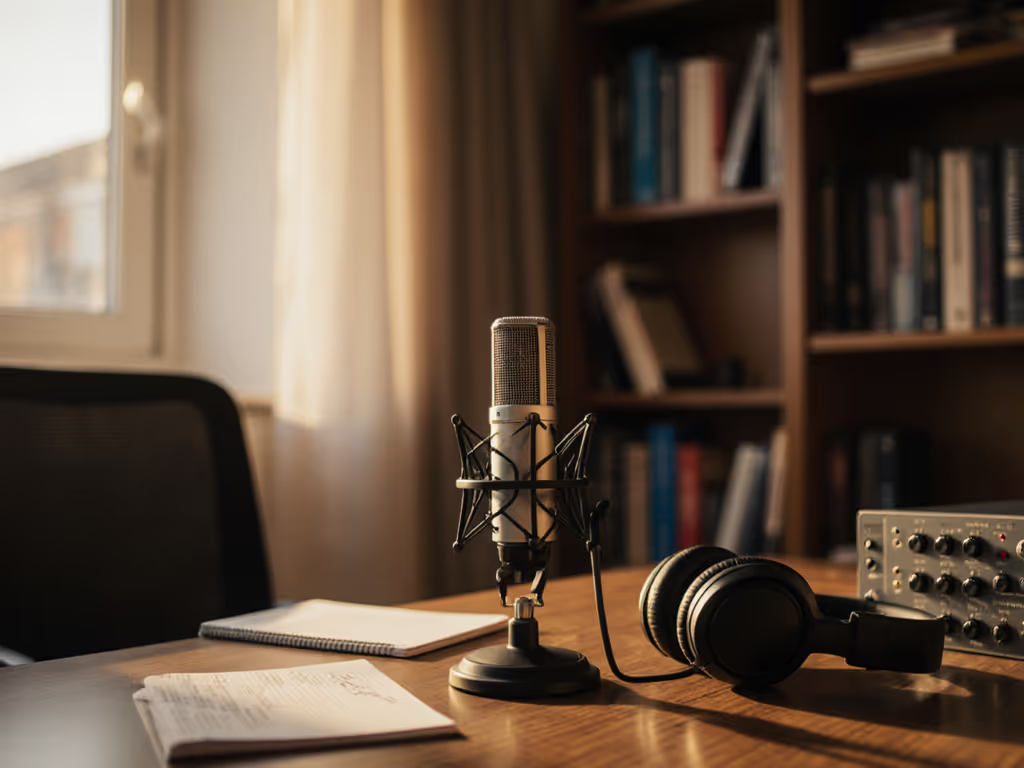
When your podcast flows between Spanish and English, your podcast microphone shouldn't make you sound like two different people. Yet so many hosts struggle with sudden volume spikes on English fricatives or muffled Spanish vowels, forcing hours of editing they didn't budget for. You deserve raw audio that stays warm and clear as you code-switch, without tweaking gain between takes. Let's fix that. I've helped dozens of bilingual creators achieve zero-post audio in untreated rooms, and it starts with understanding how language shapes your sound. Small, repeatable wins turn scary red lights into green. For model-specific advice, see our multilingual microphone guide.
Why does my mic sound inconsistent when I switch languages?
Spanish and English activate different vocal resonances. Spanish's open vowels ("casa," "mesa") push air evenly, while English consonants ("s," "sh," "th") blast directional puffs toward your mic. Cheap mics or poor placement exaggerate this: your Spanish might sound intimate, then English clips from sibilance or booms from proximity effect. The culprit isn't your voice, it's mismatched language-switching audio quality.
Consistency lives in three non-negotiables: fixed distance, direct monitoring, and off-axis positioning. Get these right, and your raw track stays broadcast-ready.
What's the one adjustment that fixes 80% of language-switching issues?
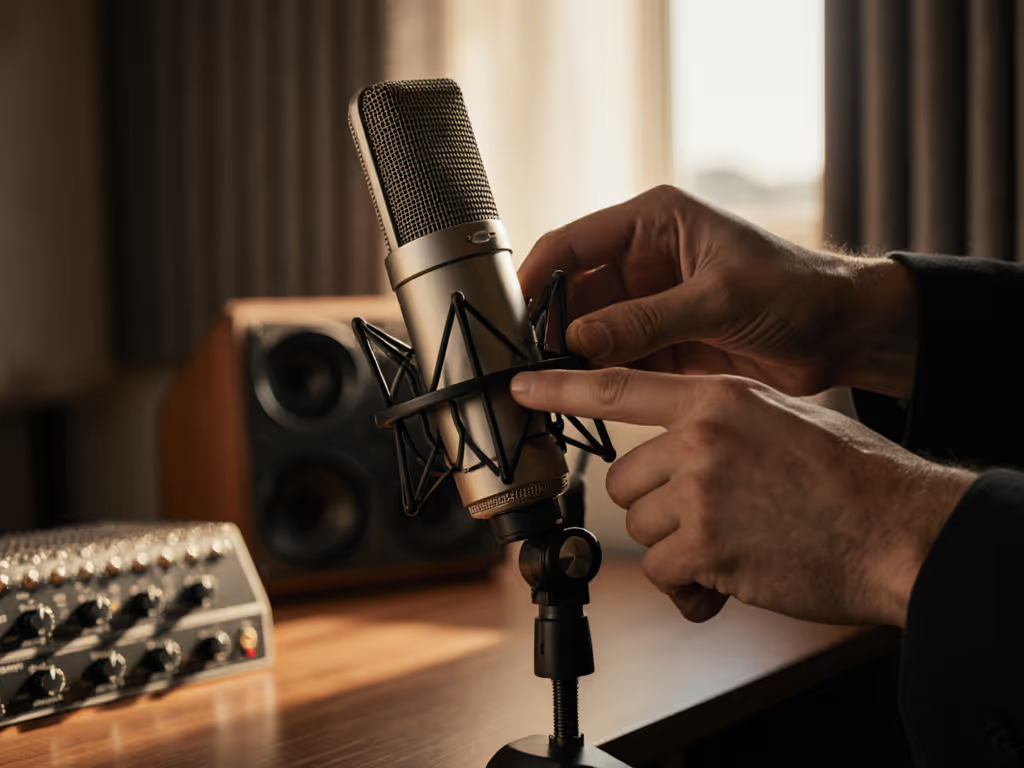
Lock your distance at fist-width (your closed fist between lips and mic grille). This prevents volume swings when you naturally lean in for emotional Spanish phrases or pull back from English plosives. I watched a first-time host clutch a mic like an ice cream cone, peaking every laugh, until we locked her fist-width distance. Her shoulders dropped, and the story finally breathed. Do this first: Tape a small mark on your desk showing where your chin should hover. Rehearse switching languages without moving your head. Notice how nasal tones vanish when you don't chase the mic. Get detailed placement angles in our mic positioning guide.
How do I avoid constant gain-knob tweaking between languages?
Enable direct monitoring on your USB mic. Latency fools you into speaking louder during English segments (to hear yourself over delayed playback), then softer in Spanish. Direct monitoring pipes your voice straight to headphones without computer delay, so you instinctively self-regulate volume. Pro tip: Set gain so your loudest English consonant hits -12dB in recording software. If you're unsure about levels, follow our podcast gain staging guide. That headroom handles Spanish's smoother dynamics without clipping. No more frantic gain-knob dances!
Do I need a special "code-switching microphone"?
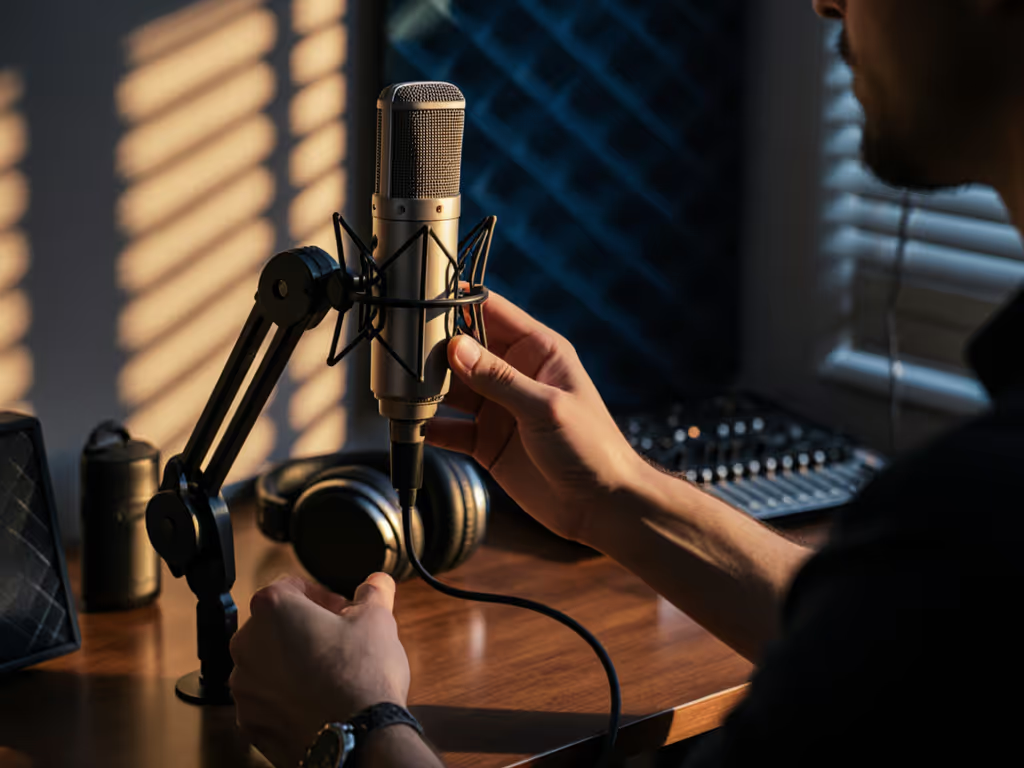
No, most USB mics handle multilingual audio consistency if you optimize placement. Avoid cardioid mics aimed dead-on; Spanish's breathier tones exaggerate room echo. Instead, angle the mic slightly off-axis (15-30 degrees away from your mouth). This catches your core voice while rejecting plosives from English and room reflections that muddy Spanish vowels. A single pop filter solves both: it diffuses th bursts and softens p pops in "perro" without killing warmth.
Why does my co-host sound "thin" in English but "boomy" in Spanish?
This screams inconsistent room choice. Your co-host might be recording near a closet (absorbing bass) during English segments but beside a window (reflecting lows) for Spanish. Identify one neutral zone: a desk against an interior wall, away from hard surfaces. Both of you should share the same backdrop (a bookshelf or fabric chair) to stabilize low-end resonance. Test it: clap loudly where you'll sit. If it echoes, drape a blanket behind you. For room fixes that actually work, see our room acoustics guide. Consistency isn't about perfection, it's about repeatability.
How do I get zero-post audio for live bilingual streaming?
Prioritize USB mics with physical mute buttons and onboard gain control. Start every recording with this 60-second ritual:
- Lock your distance at fist-width
- Set gain so your "shhh" peaks at -12dB
- Enable direct monitoring
- Do a 10-second Spanish/English test read
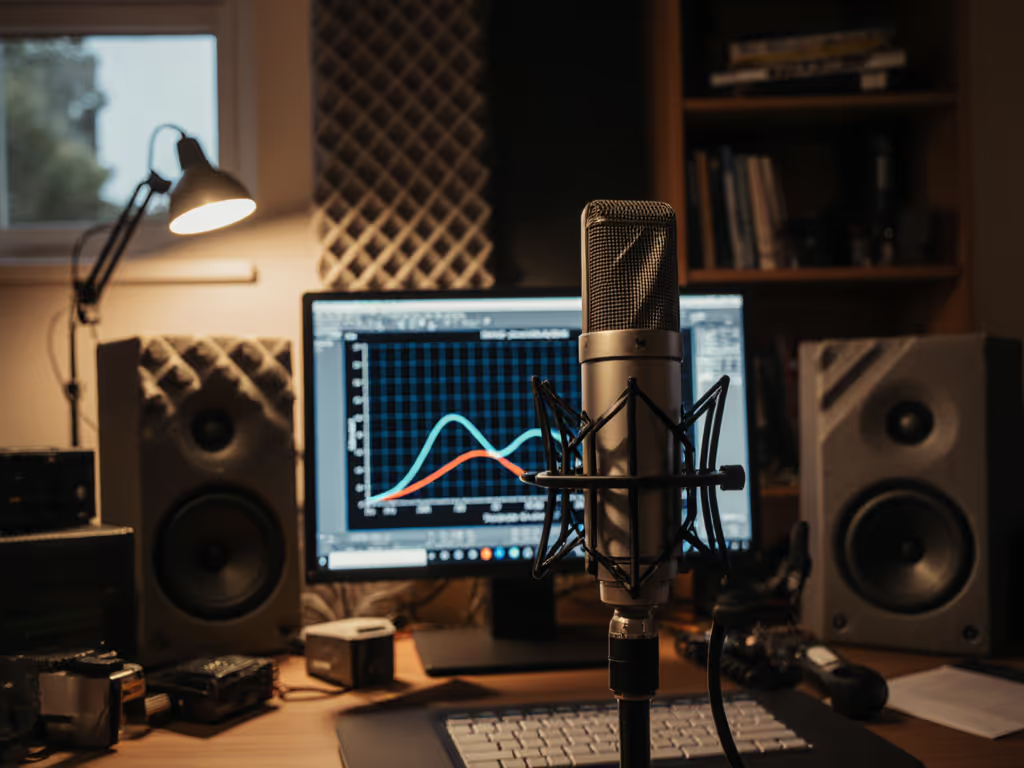
If English consonants clip, rotate mic 10 degrees off-axis. If Spanish feels distant, don't move closer, add a 3dB high-shelf boost at 8kHz in your mic's software (not Audacity!). This tweak compensates for USB mics' weaker high-end without live EQ fiddling.
Your Actionable Next Step
Tomorrow, run this test before your next recording:
- Stand where you normally record
- Lock your distance with your fist
- Say "¡Hola! Today's topic is..." in your mic's dead center
- Now repeat it while angled 15 degrees left
- Compare takes: cleaner plosives? Smoother vowel transitions?
That tiny off-axis shift is your fix. You'll hear less "thump" on English and richer Spanish resonance (without editing). Save that clip as your baseline. Every future episode starts here. Confidence isn't magic; it's a repeatable setup that sounds good without editing wizardry. When your gear disappears, your story finally breathes.
Related Articles